A successful campaign takes more than adding pumpkins and spooky graphics to your storefront. Shoppers also need clear offers, useful product information, convenient ways to buy, and a smooth path to checkout. The right Shopify apps can help with different parts of that experience, from sales notifications and back-in-stock alerts to store optimization, virtual try-on, and product feed management.
In this guide, we’ll explore practical Halloween marketing ideas and seven Shopify apps that can support your seasonal campaign.
1) Why Halloween Is a Great Opportunity for Shopify Stores
Seasonal campaigns help businesses connect with shoppers through timely products, promotions, and content. Halloween is especially suited to visual marketing because many customers look for themed products and inspiration before they buy.
Whether your store sells clothing, beauty products, home decor, accessories, gifts, or digital products, you can create a campaign that fits your audience and catalog.
Attract shoppers with seasonal offers: Halloween discounts and promotions can encourage shoppers to explore your products. Consider a limited-time offer, a bundle of complementary items, or a collection of products suited to the season. Make sure your offer clearly explains the discount, eligible products, and promotion dates.
Create a more engaging shopping experience: Halloween banners, festive colors, dedicated collections, and relevant product recommendations can help shoppers find items for the occasion. Use a consistent look across your homepage, collection and product pages, email campaigns, and social media while keeping your store easy to navigate.
Make it easier to complete a purchase: Clear product details, visible calls to action, transparent pricing, and a convenient purchasing journey can help reduce friction. Review your storefront before launch so shoppers can browse products and understand your offers easily.
Improve product discovery: Accurate product titles and descriptions, high-quality images, and well-configured product feeds can help eligible products appear in relevant shopping experiences. Prepare your catalog early so you have time to find missing information and address feed issues.
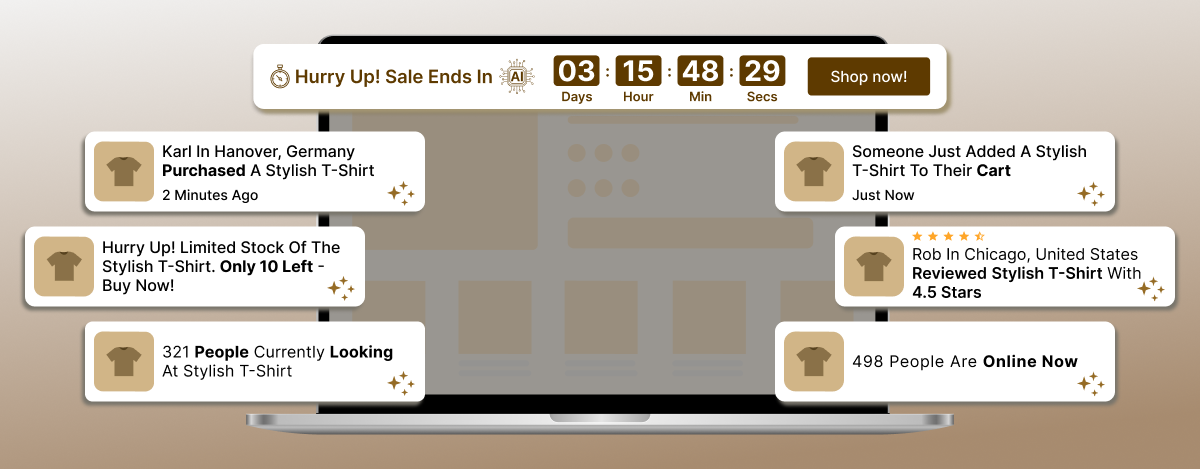
2) ToastiBar: Sales Popups, Social Proof, and Countdown Timers

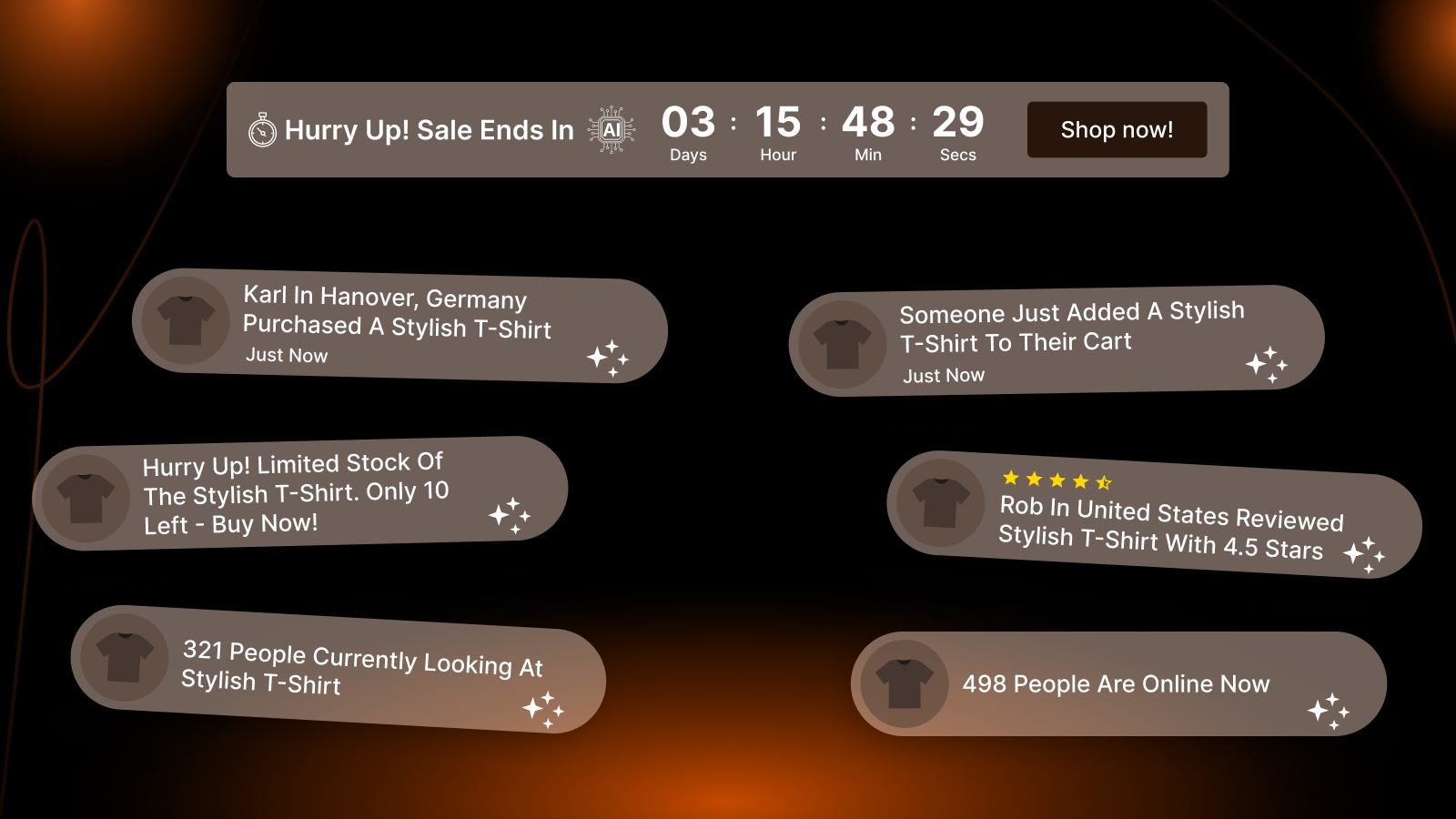
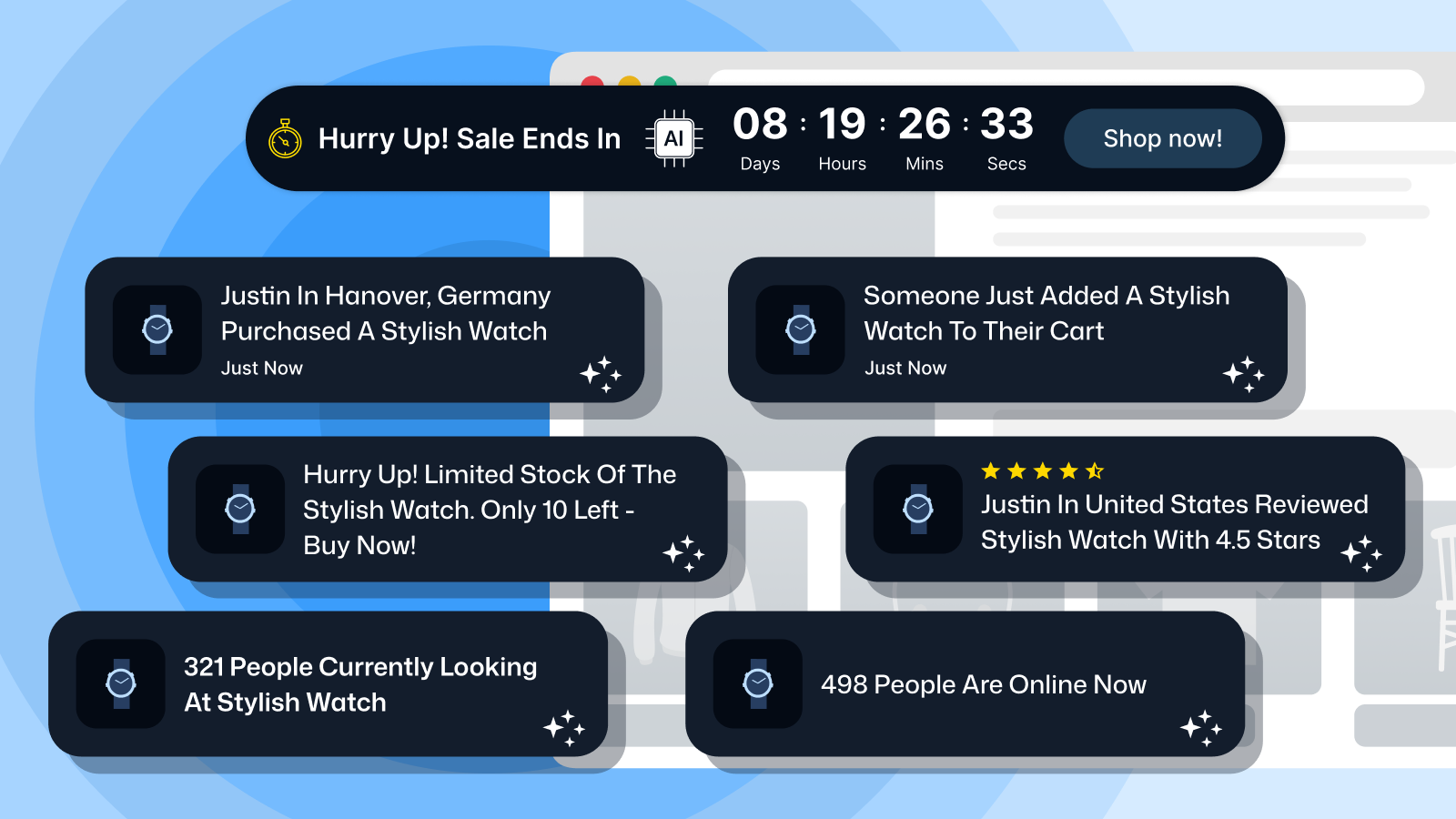
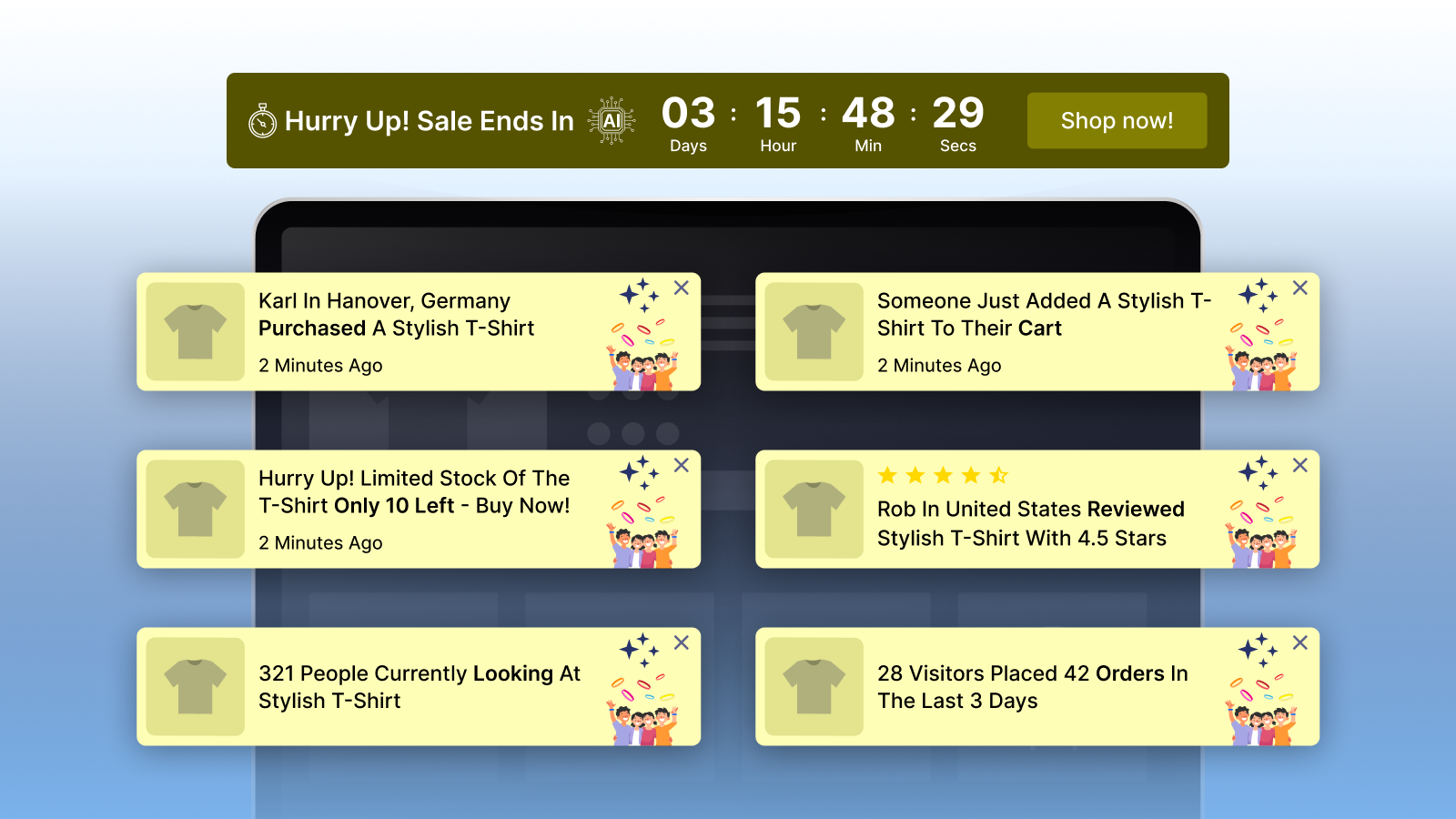
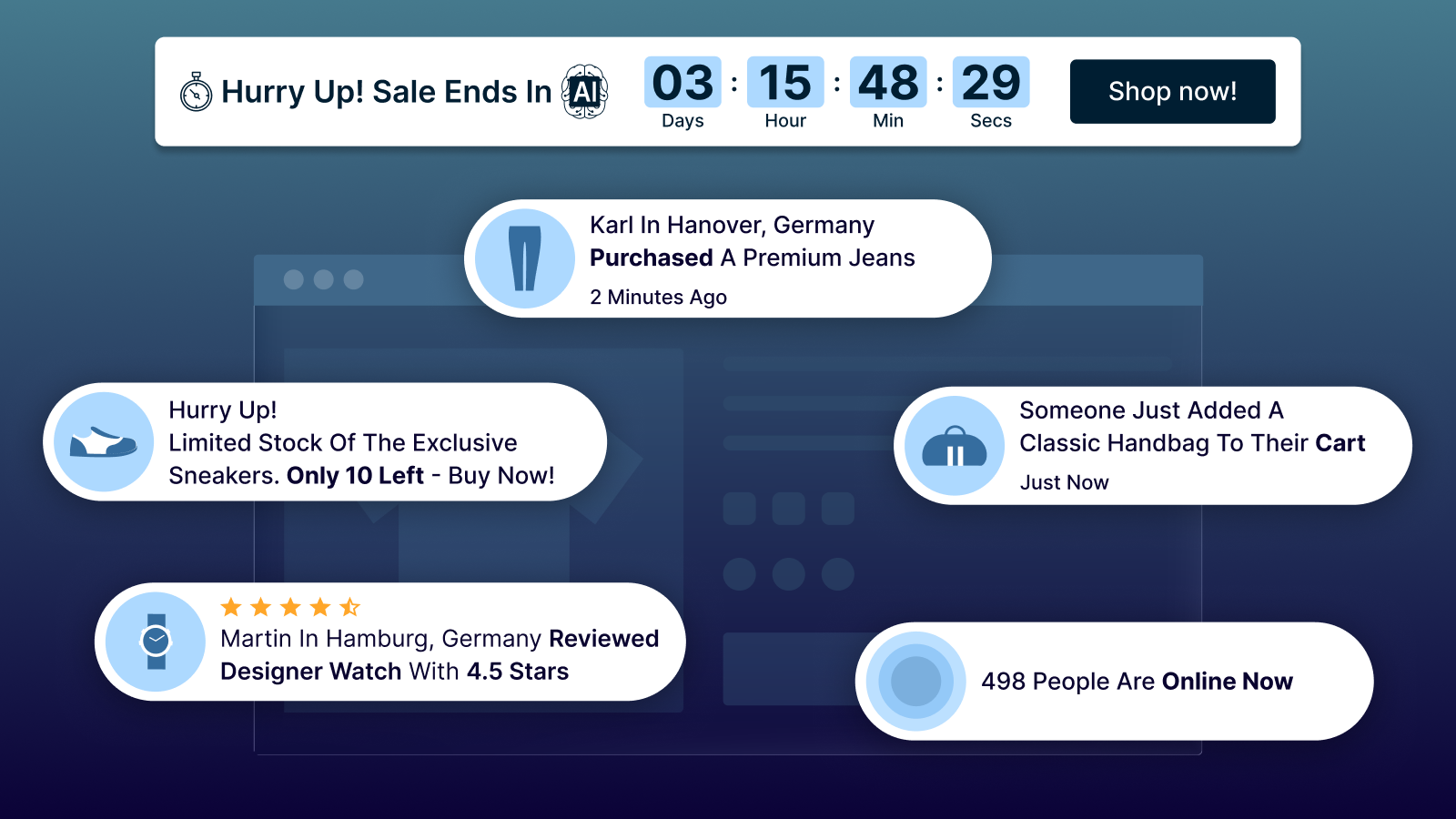
ToastiBar helps merchants display sales notifications, social proof, and countdown timers. Its notification and AI-assisted tools can help you create and customize storefront messages for a seasonal campaign.
Features include:
- Sales notifications to display supported sales activity
- Cart notifications to highlight supported cart-related activity
- Product visitor notifications to draw attention to supported product activity
- Recent visitor and online visitor notifications
- Product review popups to showcase available reviews
- Low-inventory notifications to highlight genuine low-stock information where supported and configured
- Roundup notifications to present selected store information in a notification format
- Countdown timers for genuine, time-limited promotions
- Product-page timers to highlight the end time of an applicable offer
- Landing-page timers for suitable promotional pages
- Top-bar and bottom-bar timers for prominent storefront messages
- Cart and order-summary notifications using supported formats
- AI Setup Wizard to assist with notification configuration
- AI Copy Generator to draft notification text and promotional messages
- AI Performance Advisor for AI-assisted popup recommendations
- Analytics to review available notification and timer performance data
- Geolocation targeting and multilingual display for supported configurations
- Desktop and mobile support
How to use ToastiBar for Halloween:
- Announce your Halloween sale with a clear storefront notification
- Use a countdown timer for an offer with a real end date
- Showcase available product reviews on relevant product pages
- Highlight accurate low-stock information for seasonal items
- Use the AI Copy Generator to draft concise Halloween messages
- Review available analytics to see how your notifications perform
Example notification: “Spooky Season Is Here! Explore Our Halloween Collection and Seasonal Offers.”
Keep notifications relevant and avoid showing too many at once. Make sure sales, review, visitor, and inventory information is accurate.
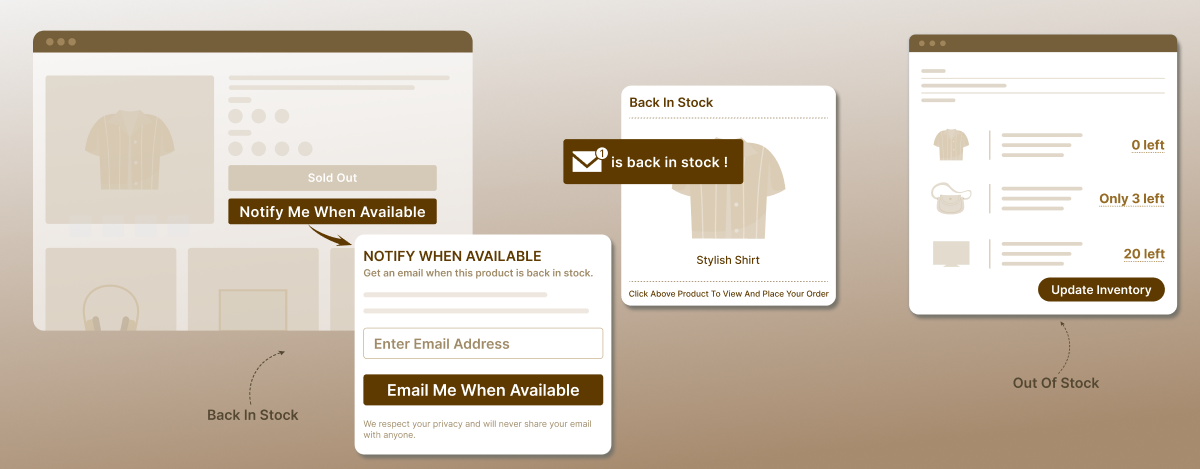
3) Notim: Back-in-Stock Alerts and Inventory Notifications

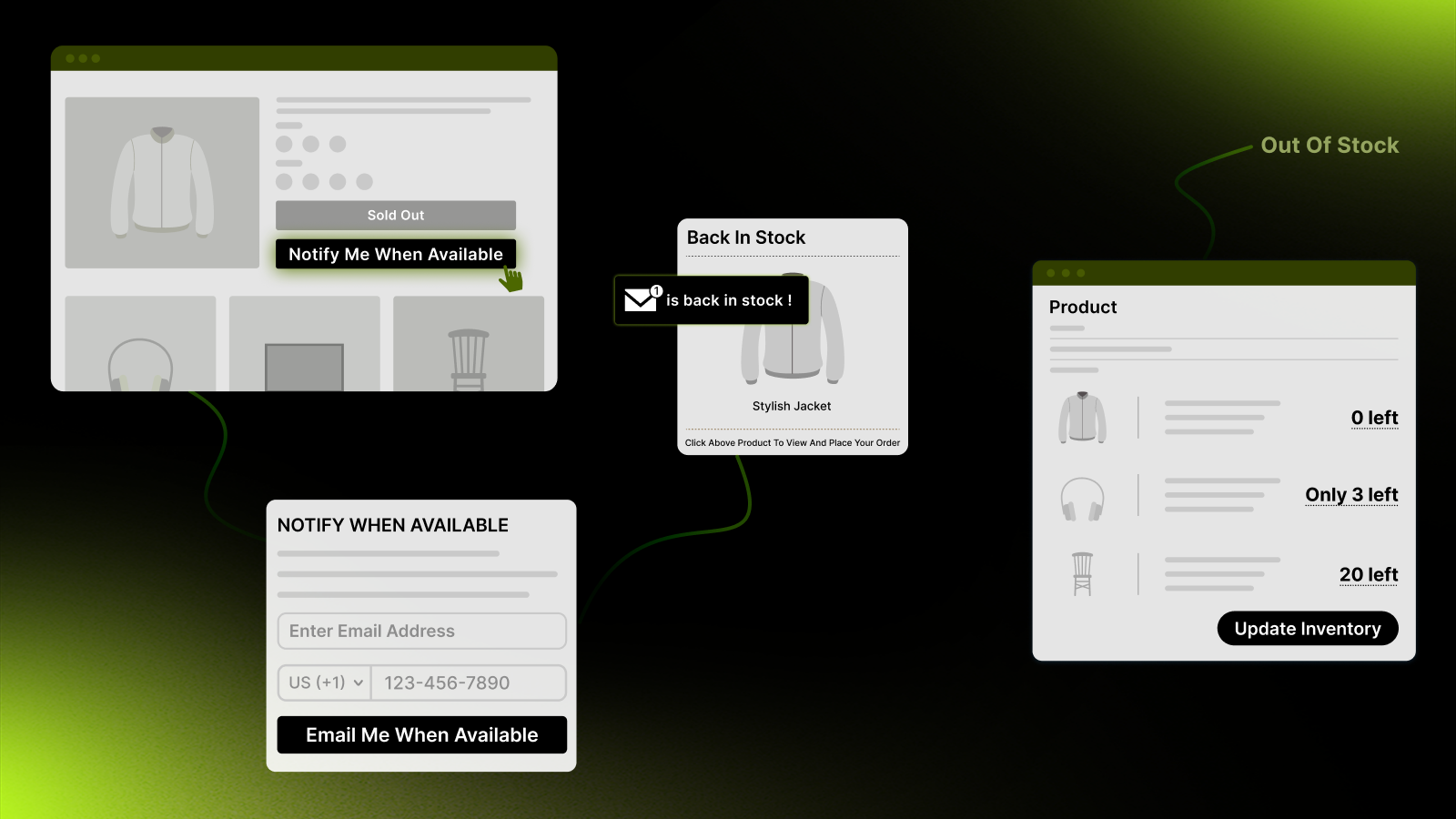
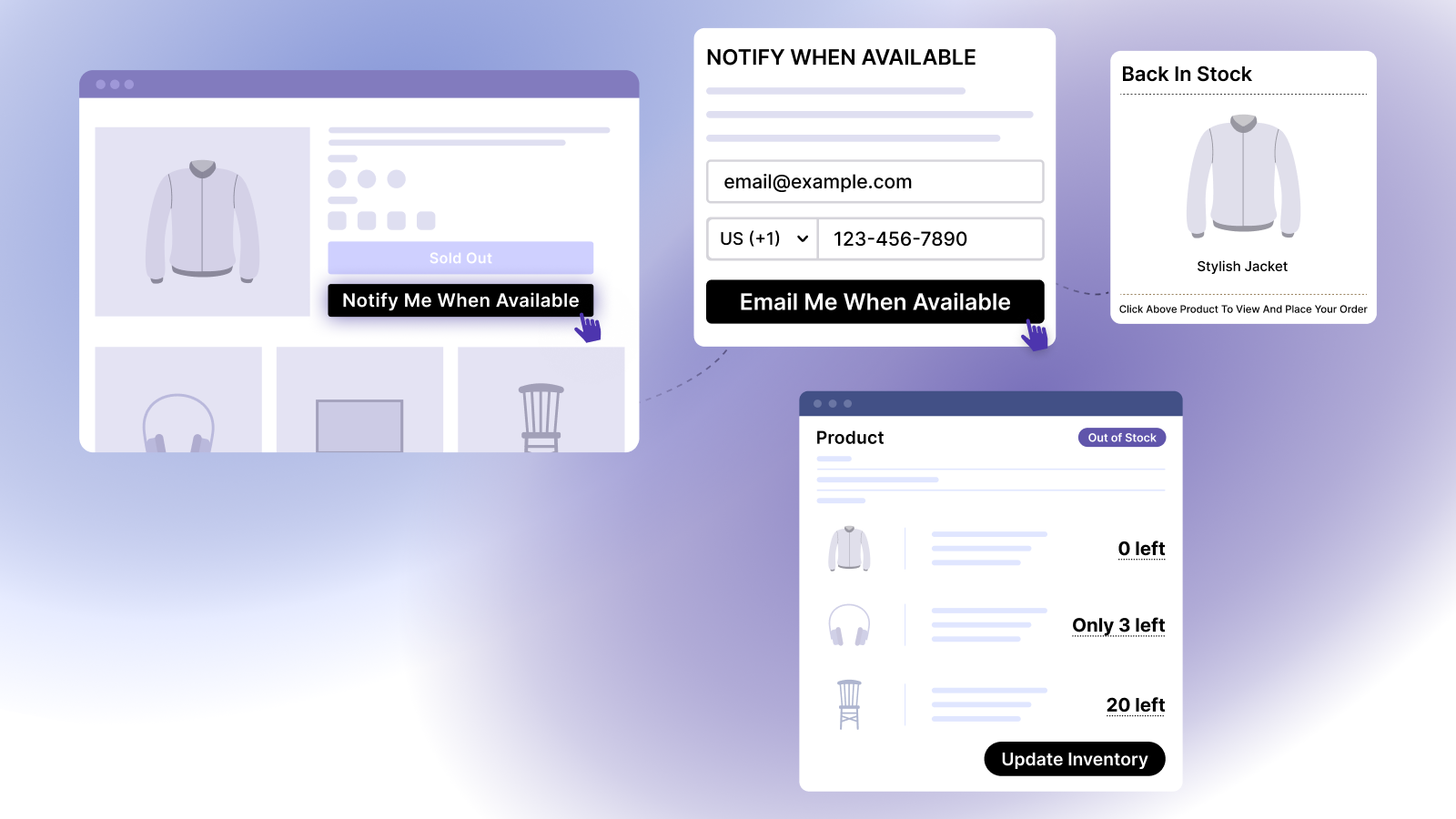
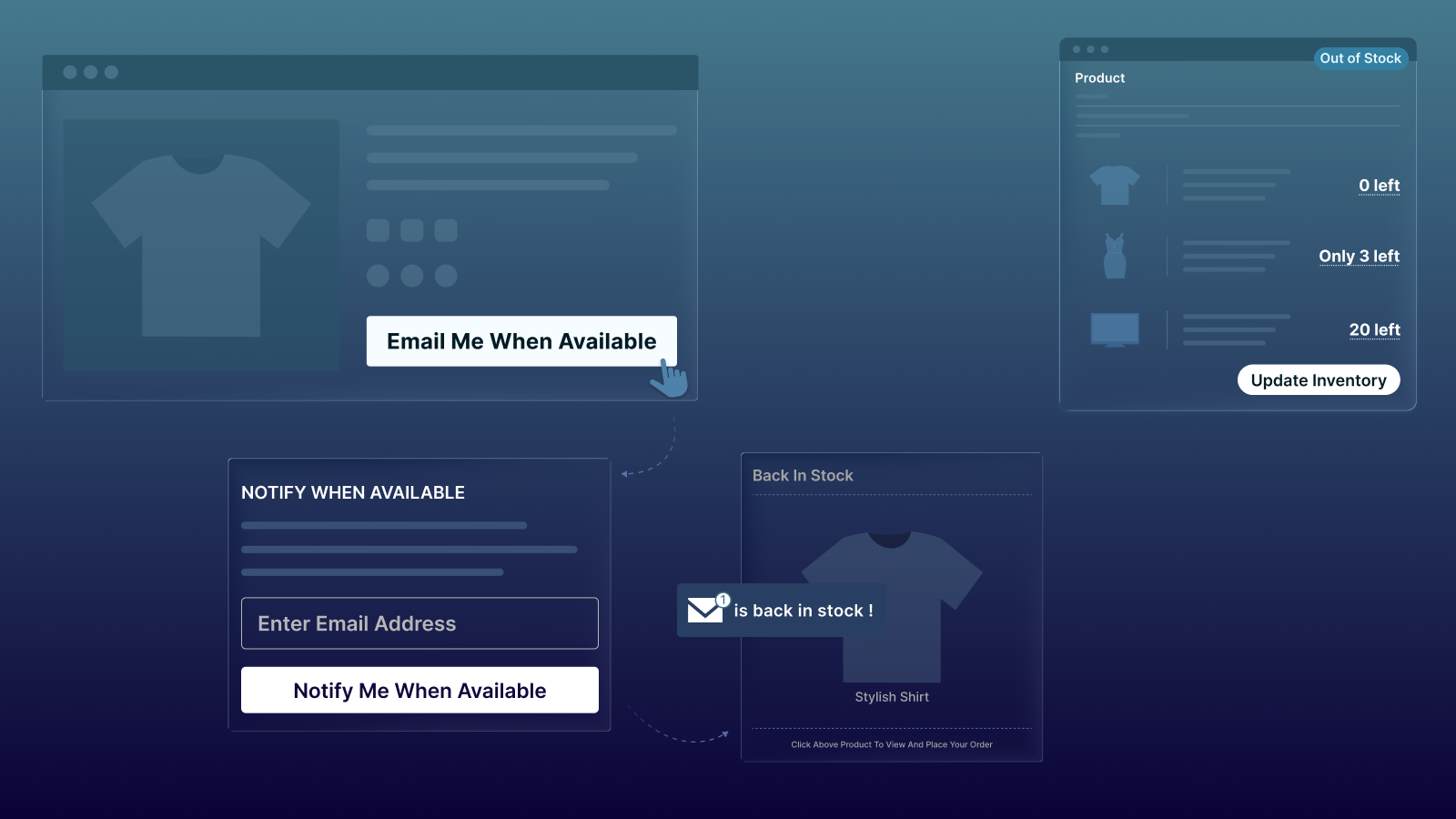
Seasonal products can sell out as Halloween approaches. Notim helps merchants manage customer interest in unavailable products and notify shoppers when eligible items are back in stock. It may be useful for stores selling costumes, seasonal clothing, decorations, and accessories with changing inventory.
Features include:
- Notify Me buttons for eligible out-of-stock products
- Back-in-stock email alerts when a product or variant becomes available again
- Supported back-in-stock SMS alerts
- Automatic restock notifications when inventory updates meet configured conditions
- Manual restock notification options where available
- Customer waitlists for temporarily unavailable products
- Low-stock email alerts to help merchants monitor configured inventory thresholds
- Out-of-stock alerts for relevant products
- Multi-location inventory support for applicable Shopify inventory locations
- Customizable customer-facing buttons and signup forms
- Customizable email, SMS, and popup notification templates where supported
- Analytics for available demand and conversion information
- Supported integrations for inventory and notifications
How to use Notim for Halloween:
- Add a Notify Me button to eligible out-of-stock products
- Let interested shoppers join a restock waitlist
- Configure email or SMS alerts for eligible products
- Monitor inventory alerts so your team can respond to stock changes
- Review available analytics to understand demand for seasonal products
Check inventory accuracy before sending a restock notification. For SMS campaigns, follow applicable consent requirements and review any usage limits in your app configuration.
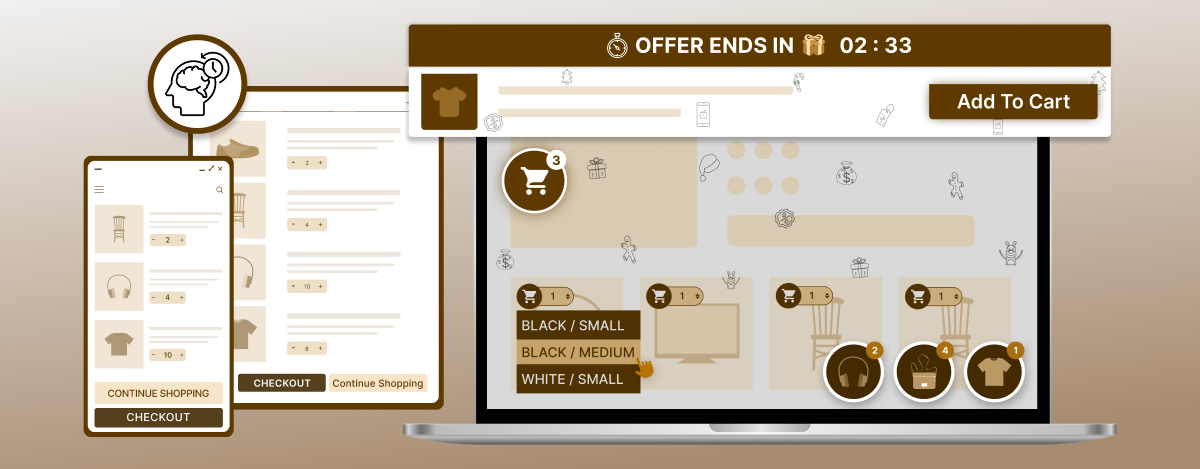
4) Buy Me: Sticky Add to Cart, Quick Buy, and Shopping Convenience

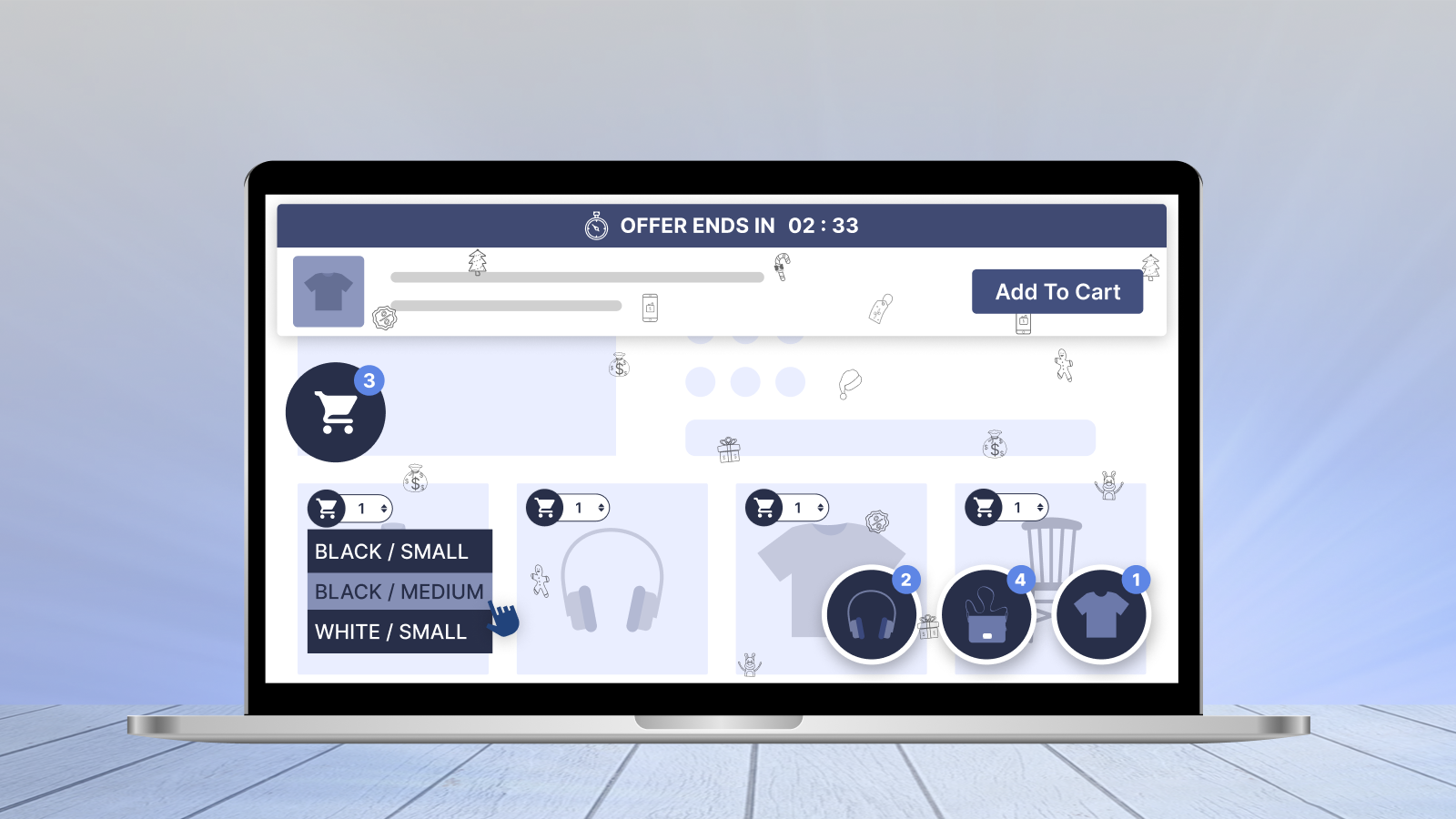
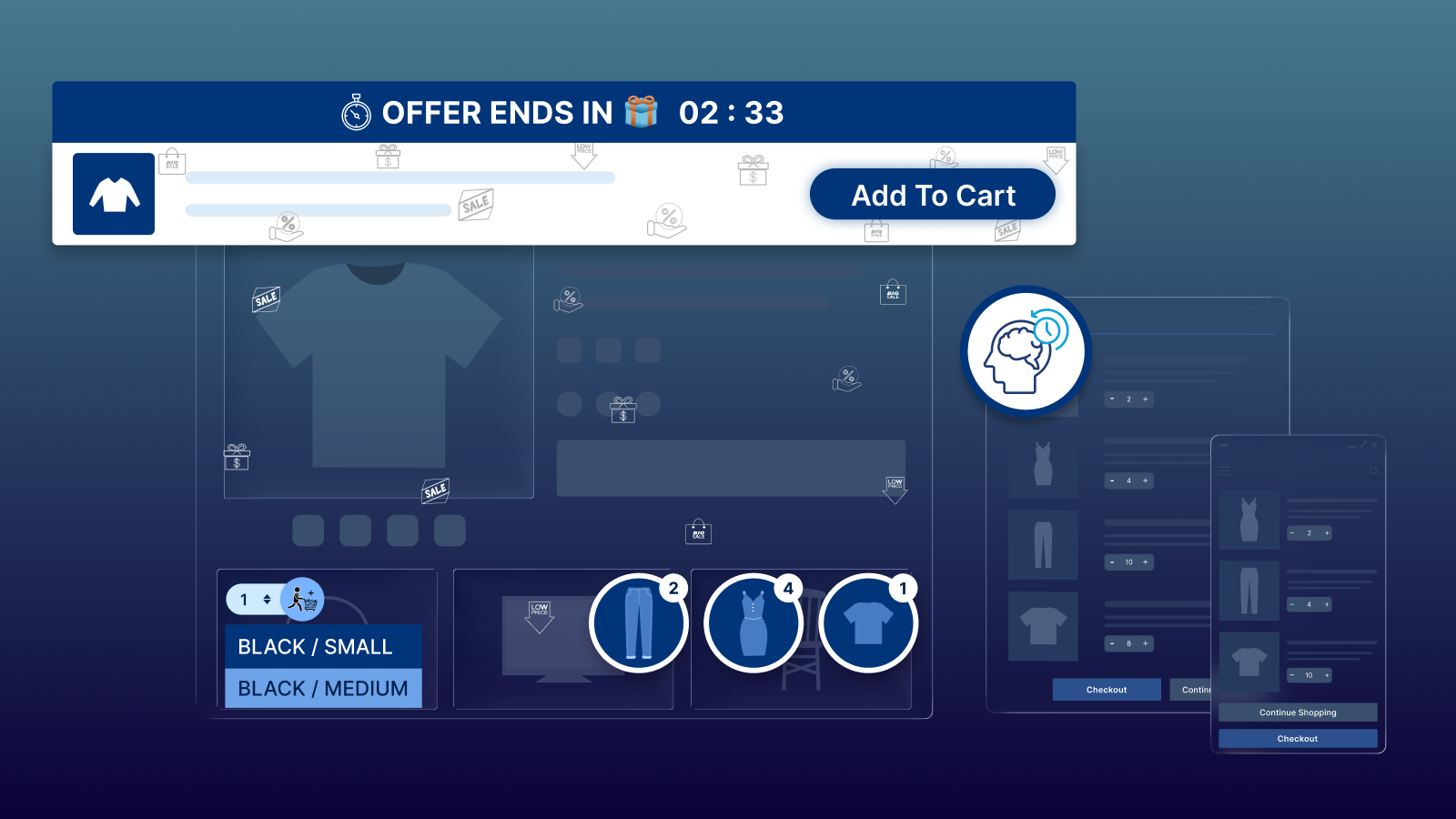
When shoppers find a Halloween product they like, the next step should be straightforward. Buy Me provides storefront features that can make purchasing actions and cart access more convenient on desktop and mobile.
Features include:
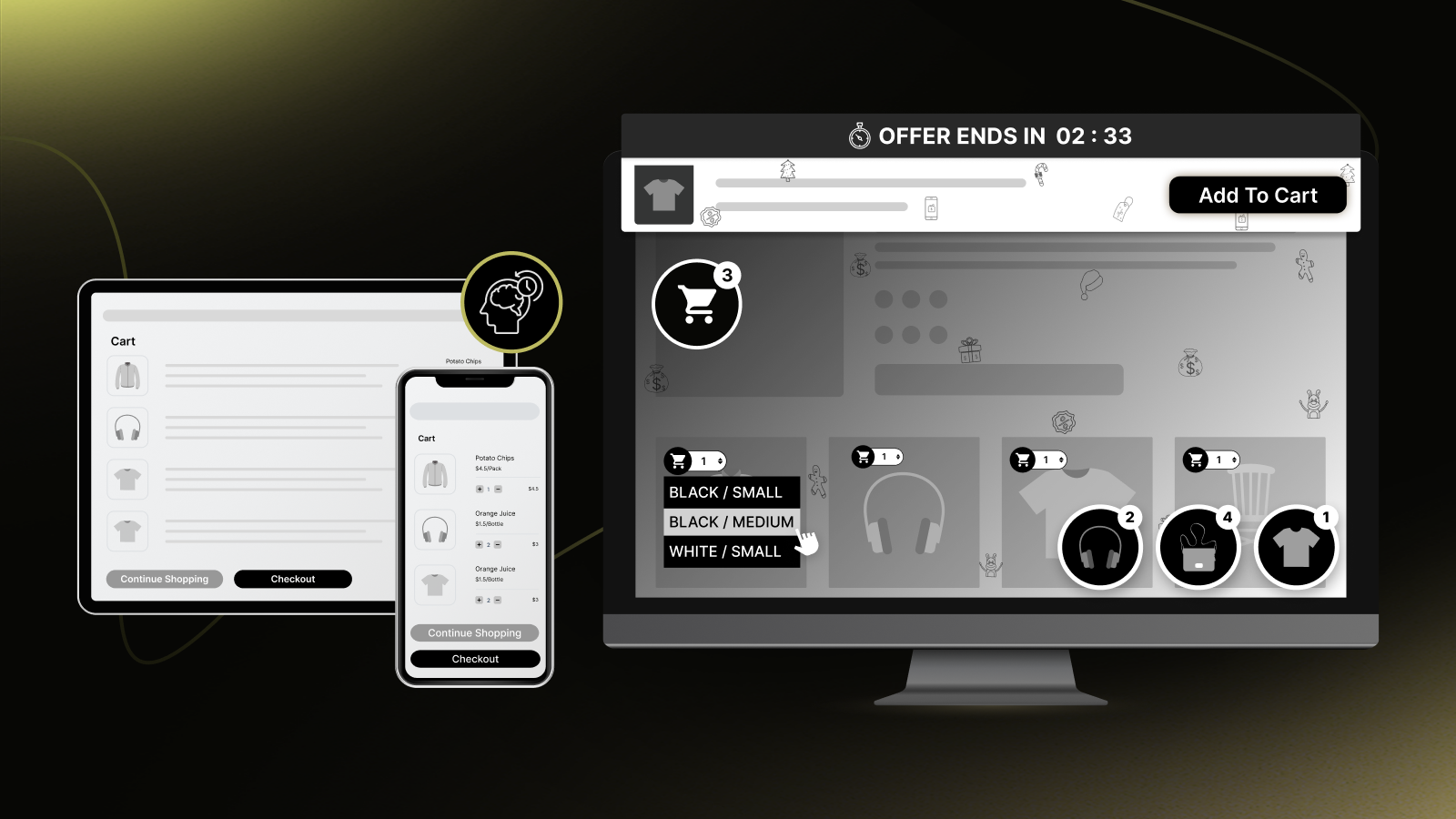
- Sticky Add to Cart Bar to keep the add-to-cart action accessible on supported product pages
- Sticky Buy Me Button for a prominent buying action where supported
- Quick Buy Buttons for supported product listings
- Sticky Cart for persistent cart access
- Floating Cart options for cart-related actions
- Cart Preview so shoppers can review relevant cart information
- Supported instant-purchase experiences
- Seasonal themes for supported storefront elements
- Supported animations and visual effects
- Brand customization for supported widgets
- Mobile-friendly settings for supported screen sizes
- Product sharing options
- Product review display where supported and enabled
- Countdown timer support for genuine seasonal offers where available
How to use Buy Me for Halloween:
- Create a Halloween collection of costumes, decorations, and accessories
- Add a suitable sticky add-to-cart bar to relevant product pages
- Make cart access convenient for shoppers on mobile
- Use quick-buy options where they improve collection browsing
- Apply seasonal styling without distracting shoppers from product details
Before launch, test product variants, quantity selection, cart updates, and checkout navigation.
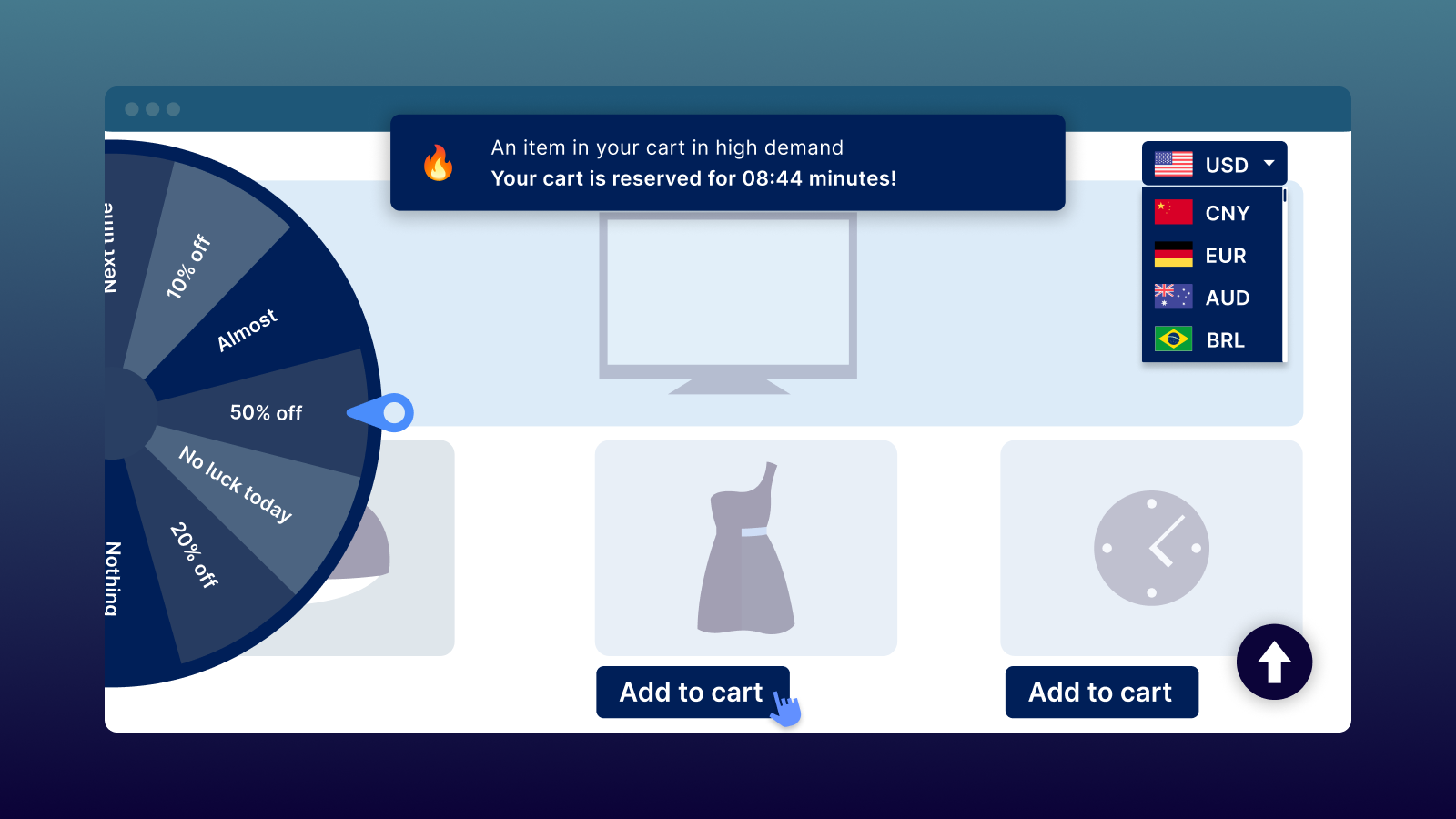
5) Promote Me: Multiple Storefront Tools in One App

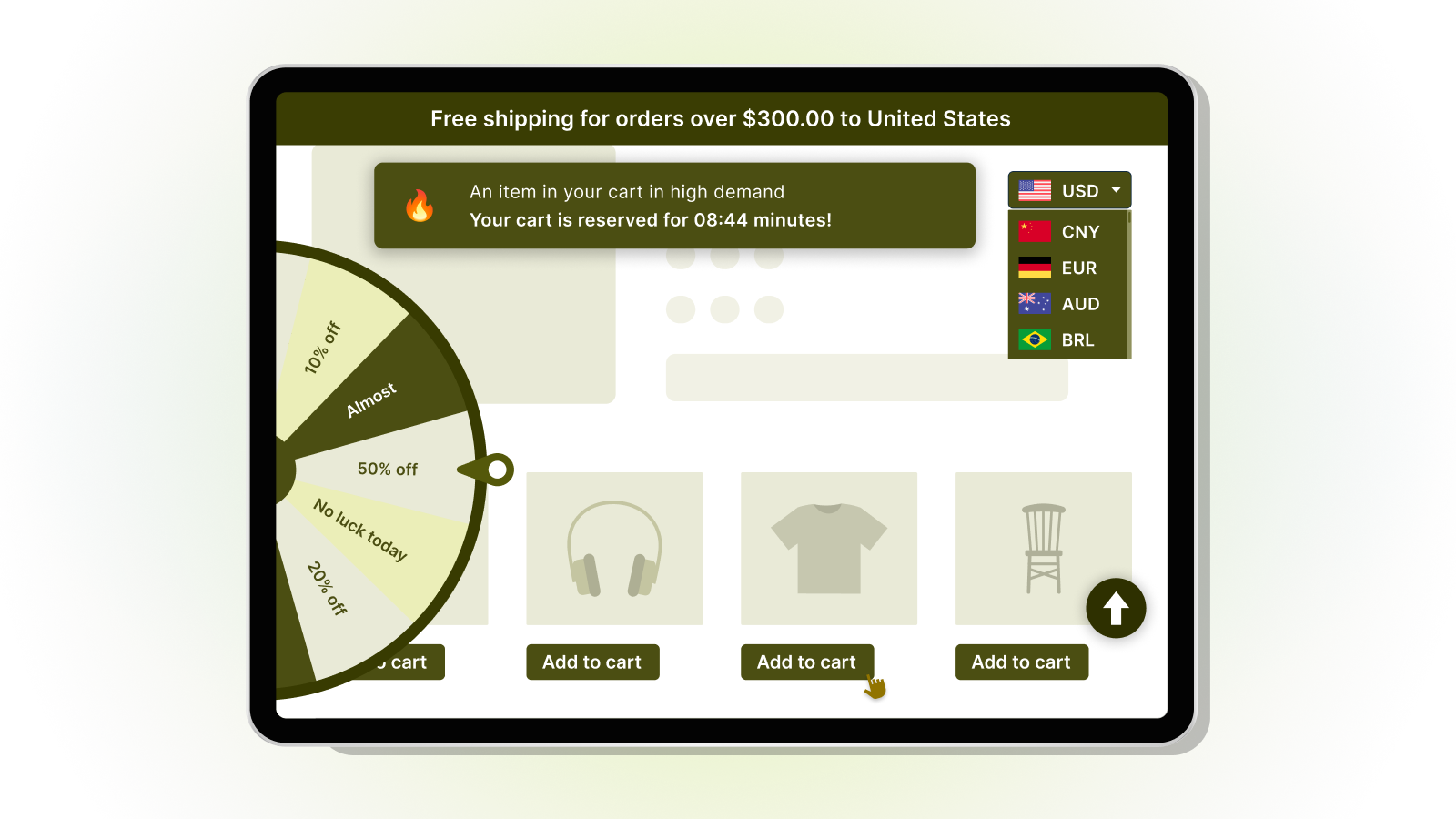
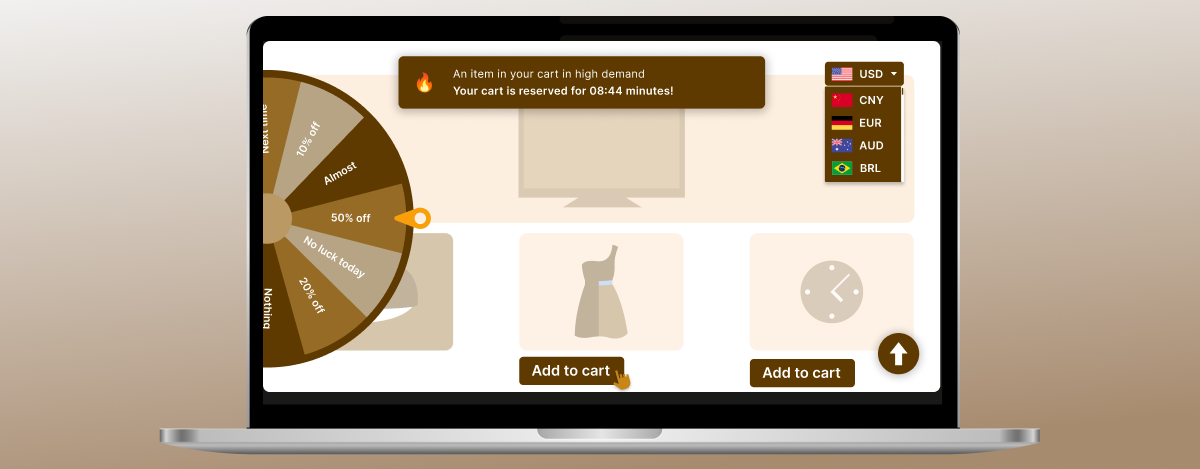
Halloween marketing can involve more than discounts. Merchants may also need interactive promotions, convenient navigation, currency conversion, shipping messages, and other storefront features. Promote Me bundles multiple Shopify tools so merchants can select the ones that suit their store.
Features include:
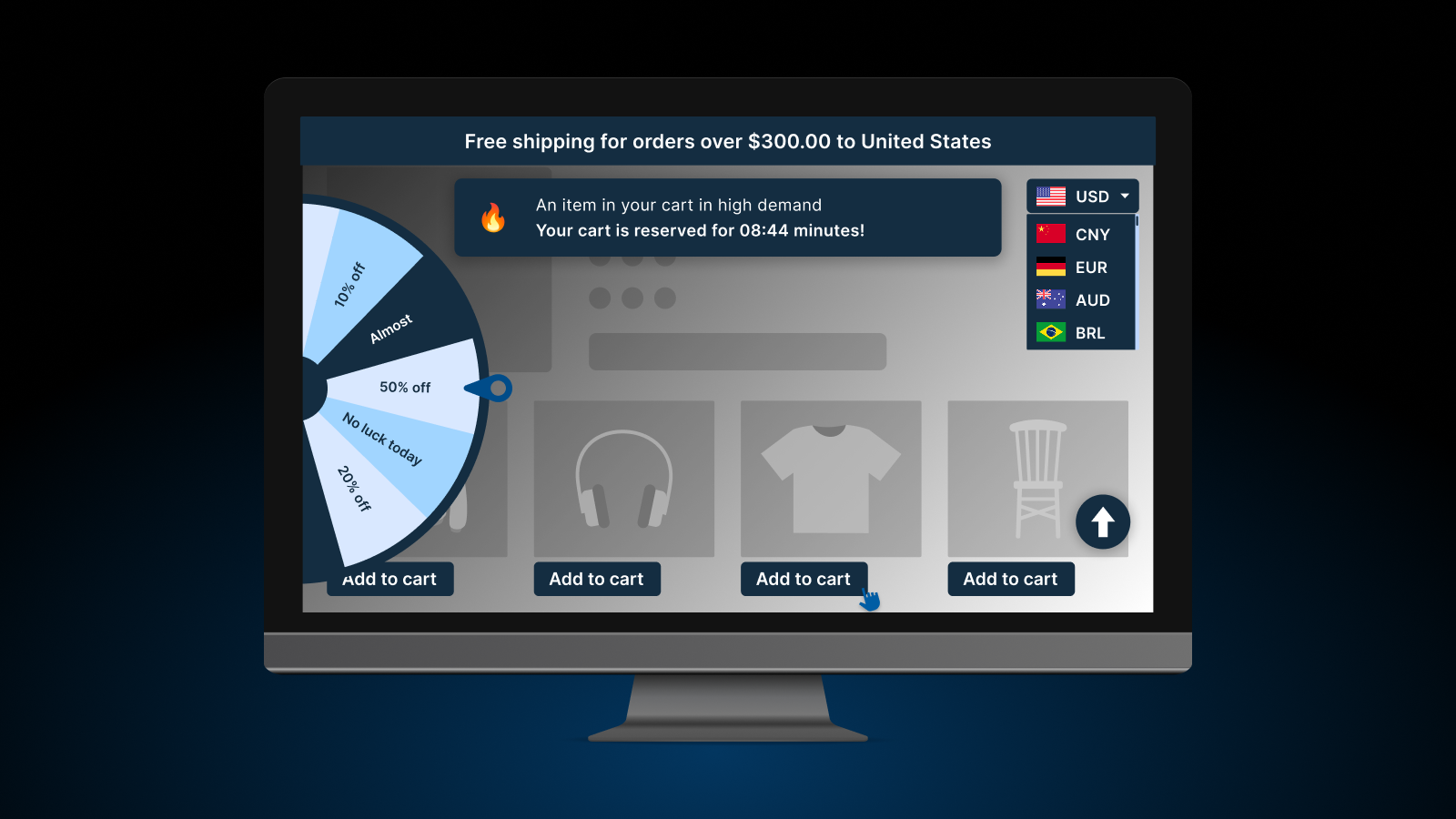
- Wheels of Fortune for supported interactive promotional experiences
- Currency Converter for supported currencies
- Quick Add to Cart Button for supported storefront areas
- Back to Top Button for easier navigation on long pages
- Geolocation Redirect based on configured geographic rules
- Copy Protection Plus with supported copy-protection functionality
- Advanced Cookie Bar for cookie notices or consent interfaces using available settings
- Cart Reserved for the supported cart-reservation experience
- Advanced Shipping Bar for shipping information or configured incentives
- Instant Page Load with supported page-preloading functionality
- Additional bundled storefront tools available in the app
How to use Promote Me for Halloween:
- Use Wheels of Fortune for a suitable seasonal promotion
- Display a shipping bar that explains a genuine shipping offer
- Add Quick Add to Cart to relevant product listings
- Use a Back to Top button on long collection pages
- Configure currency conversion for supported international shoppers
- Review your geolocation and cookie settings before launch
Choose only the features that improve the customer journey. Keep promotional terms, shipping conditions, currency information, and consent interfaces clear.
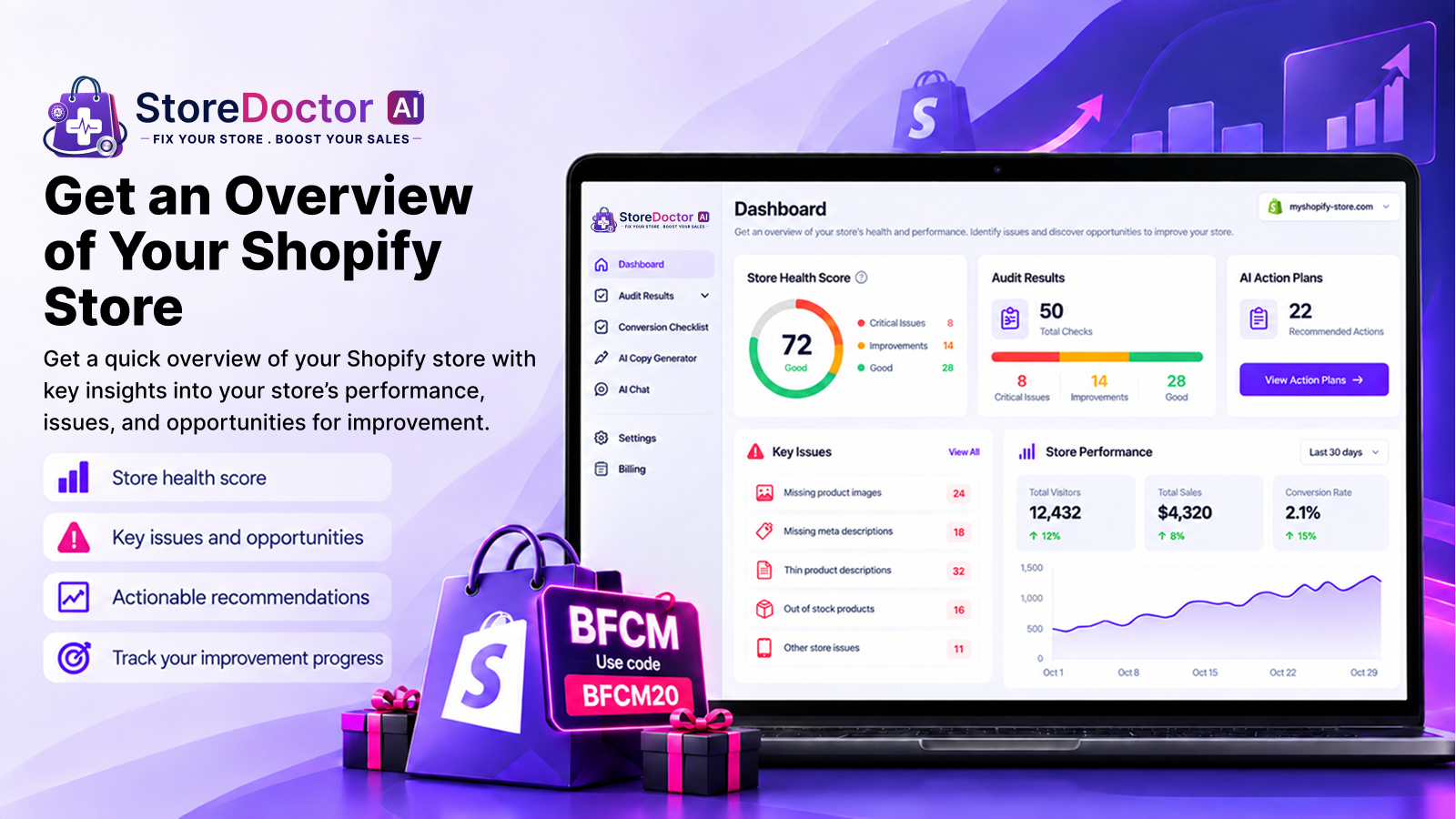
6) StoreDoctor AI: Store Audits, SEO, and Content Optimization

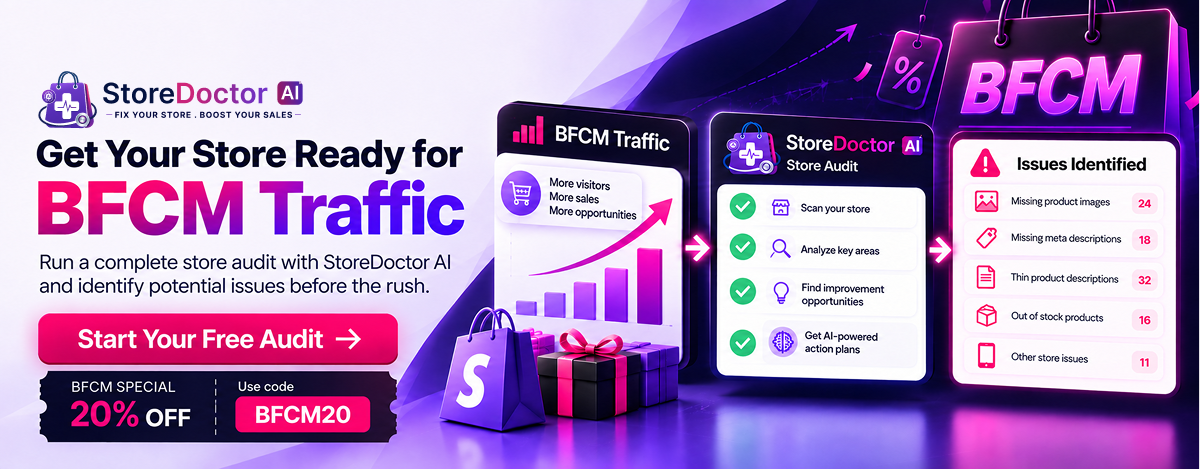
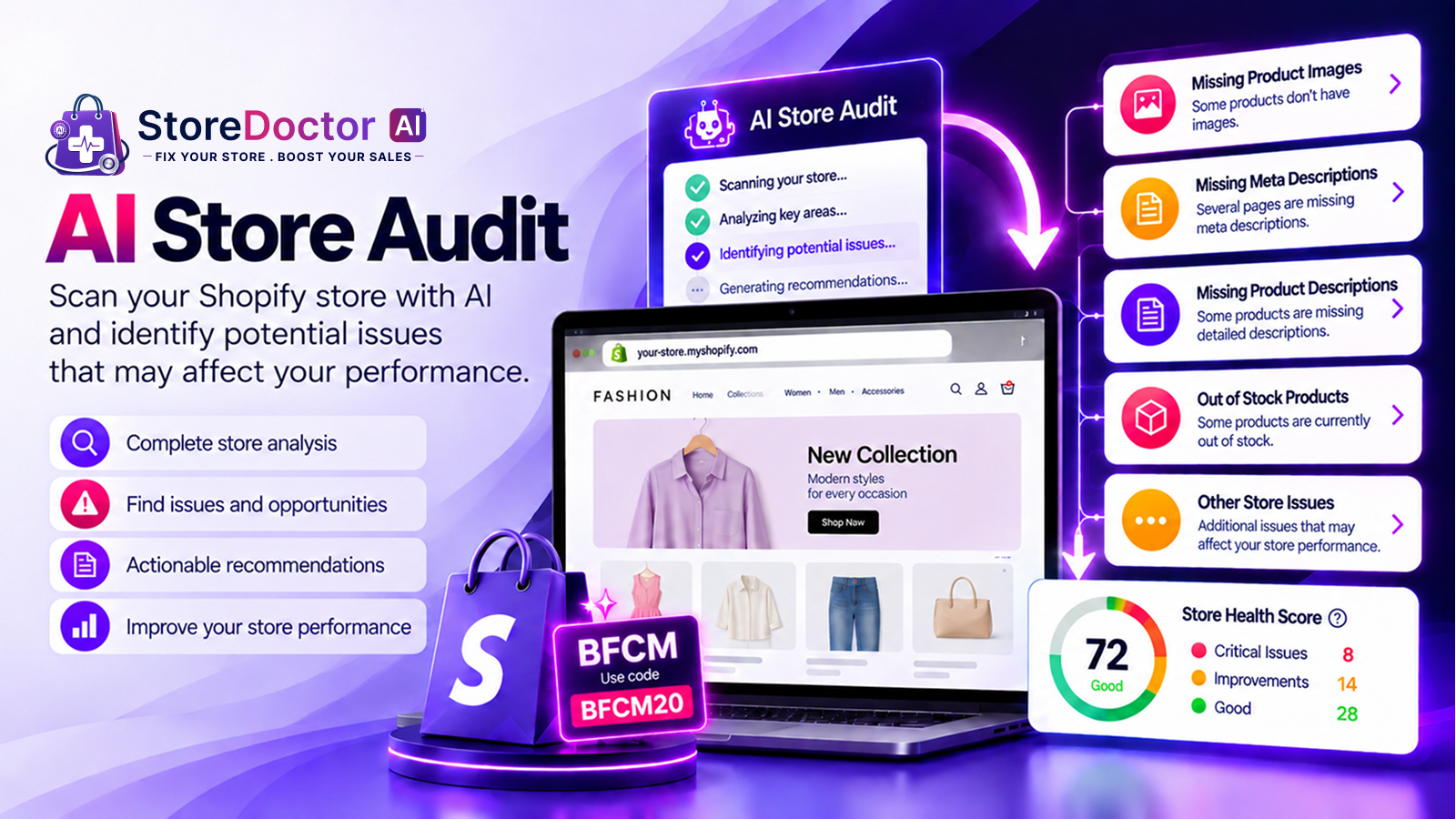
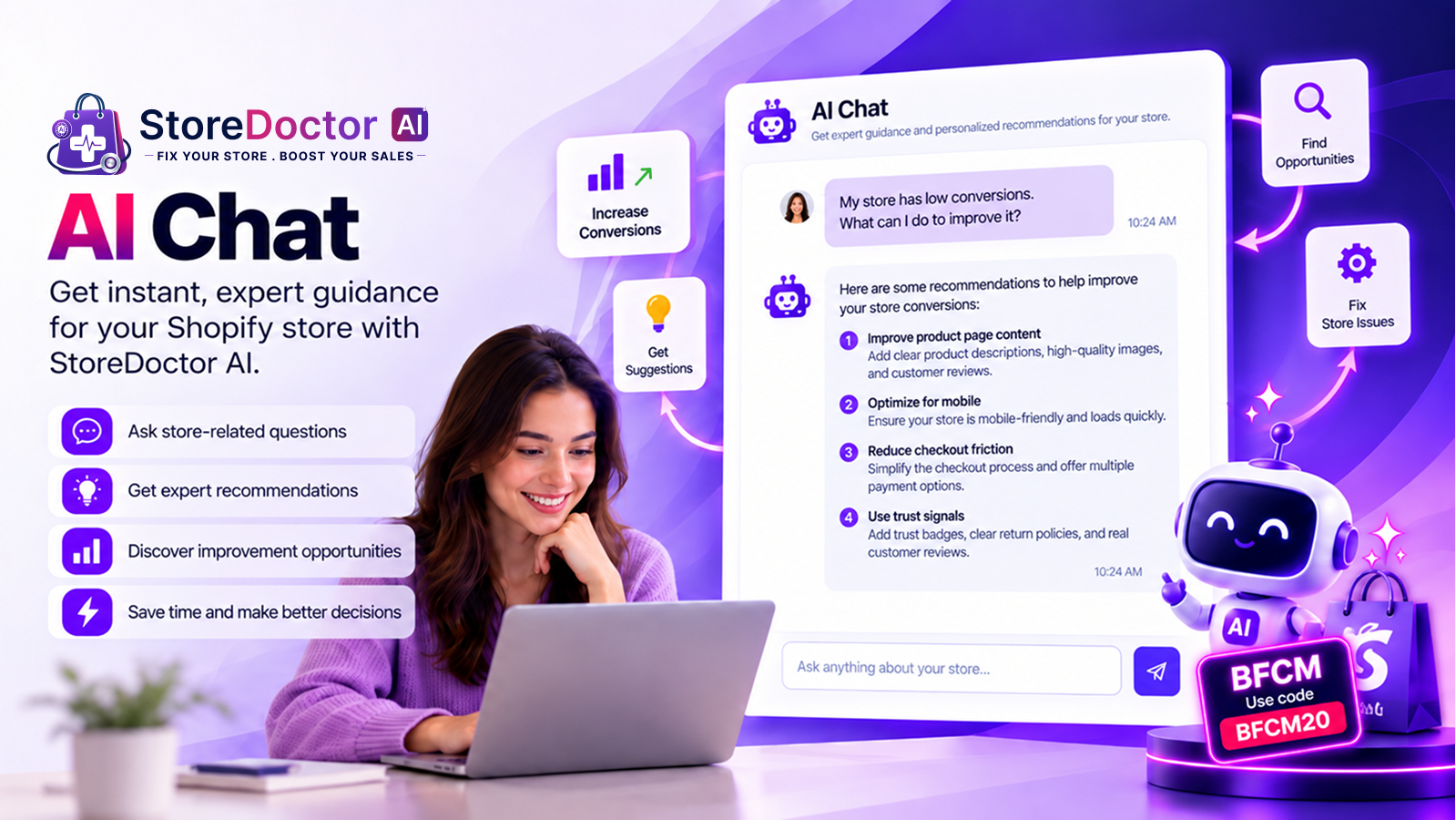
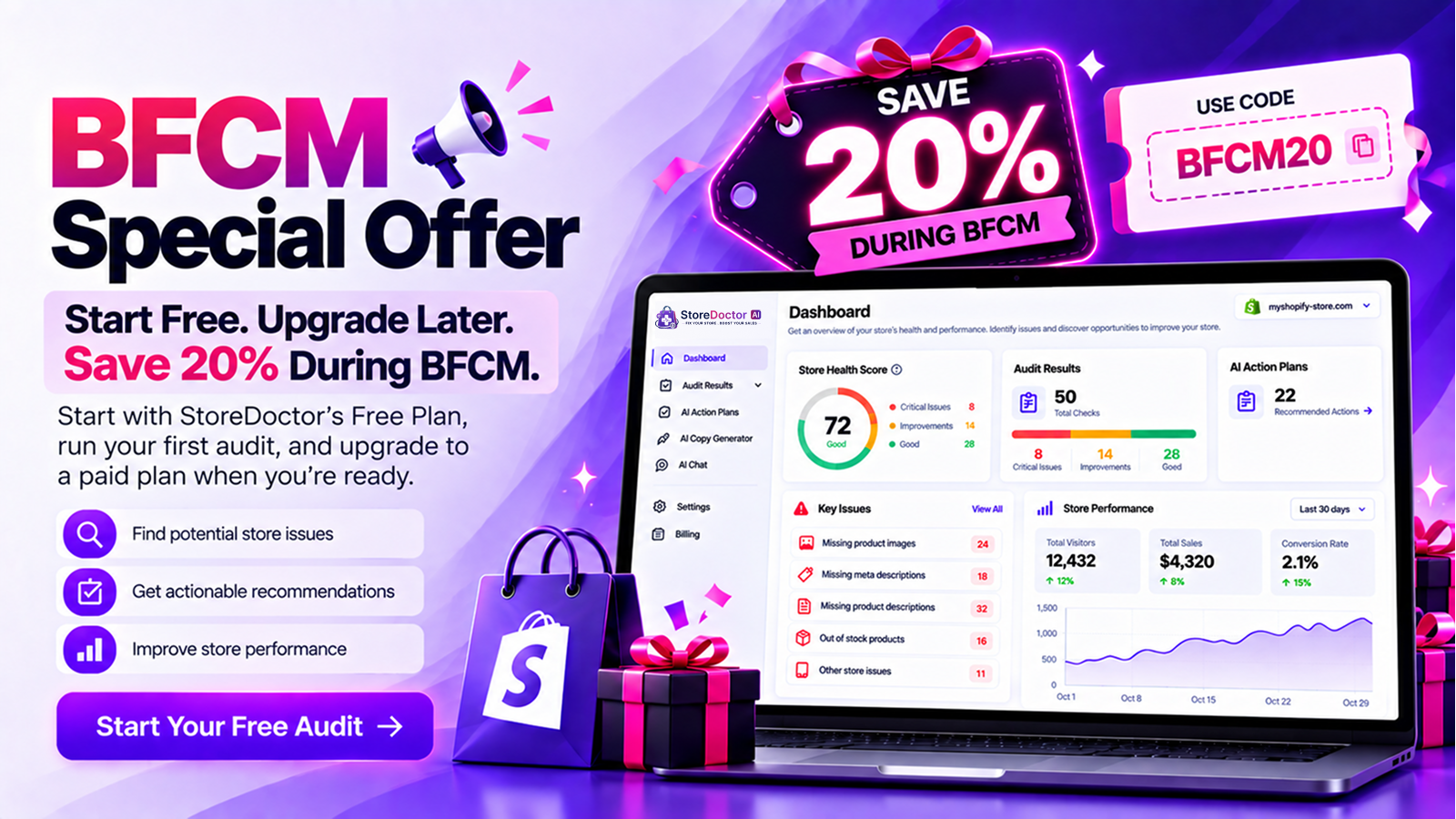
A successful campaign depends on more than attracting visitors. Your store also needs to make browsing convenient and product information easy to find. StoreDoctor AI helps merchants review their stores, identify potential issues, and access AI-assisted optimization suggestions.
Features include:
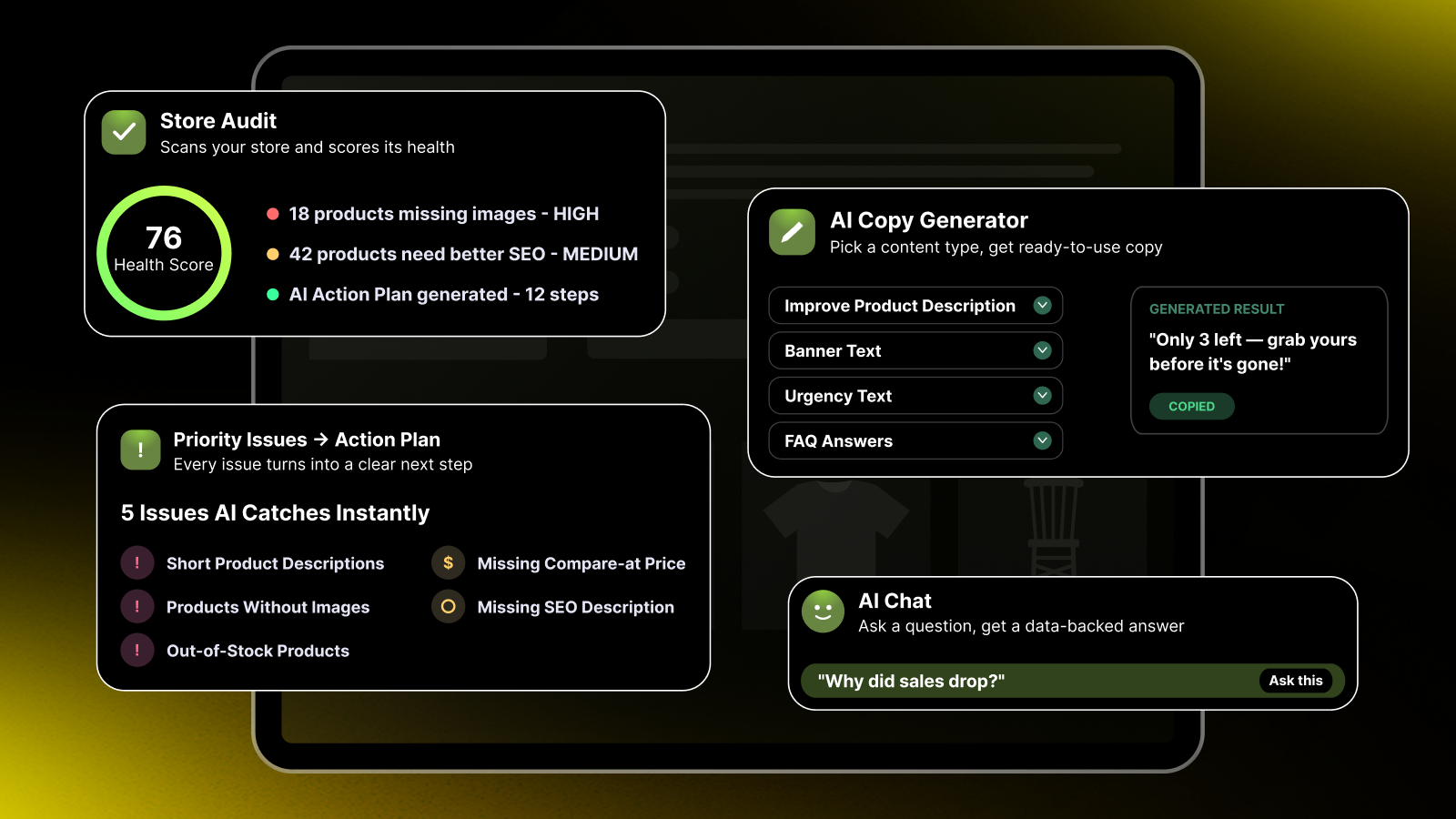
- AI-powered store audits to scan for potential issues and optimization opportunities
- Audit summaries of important findings
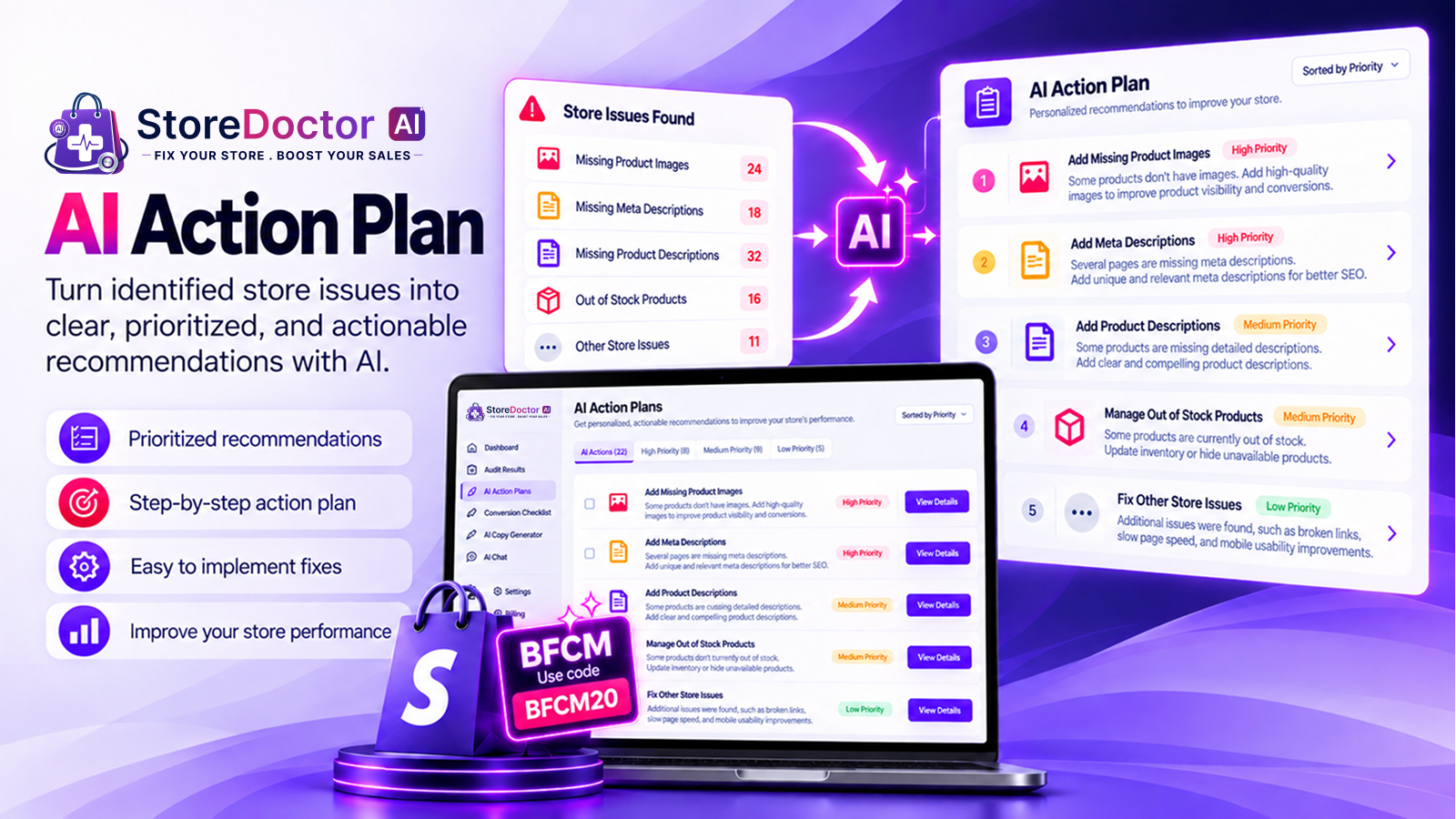
- Smart, AI-assisted recommendations for addressing identified issues
- Product issue detection for missing product information and other potential product-page problems
- SEO analysis for product information
- Checks for missing product descriptions and images highlighted by the audit
- AI Chat for questions about store issues and AI-assisted insights
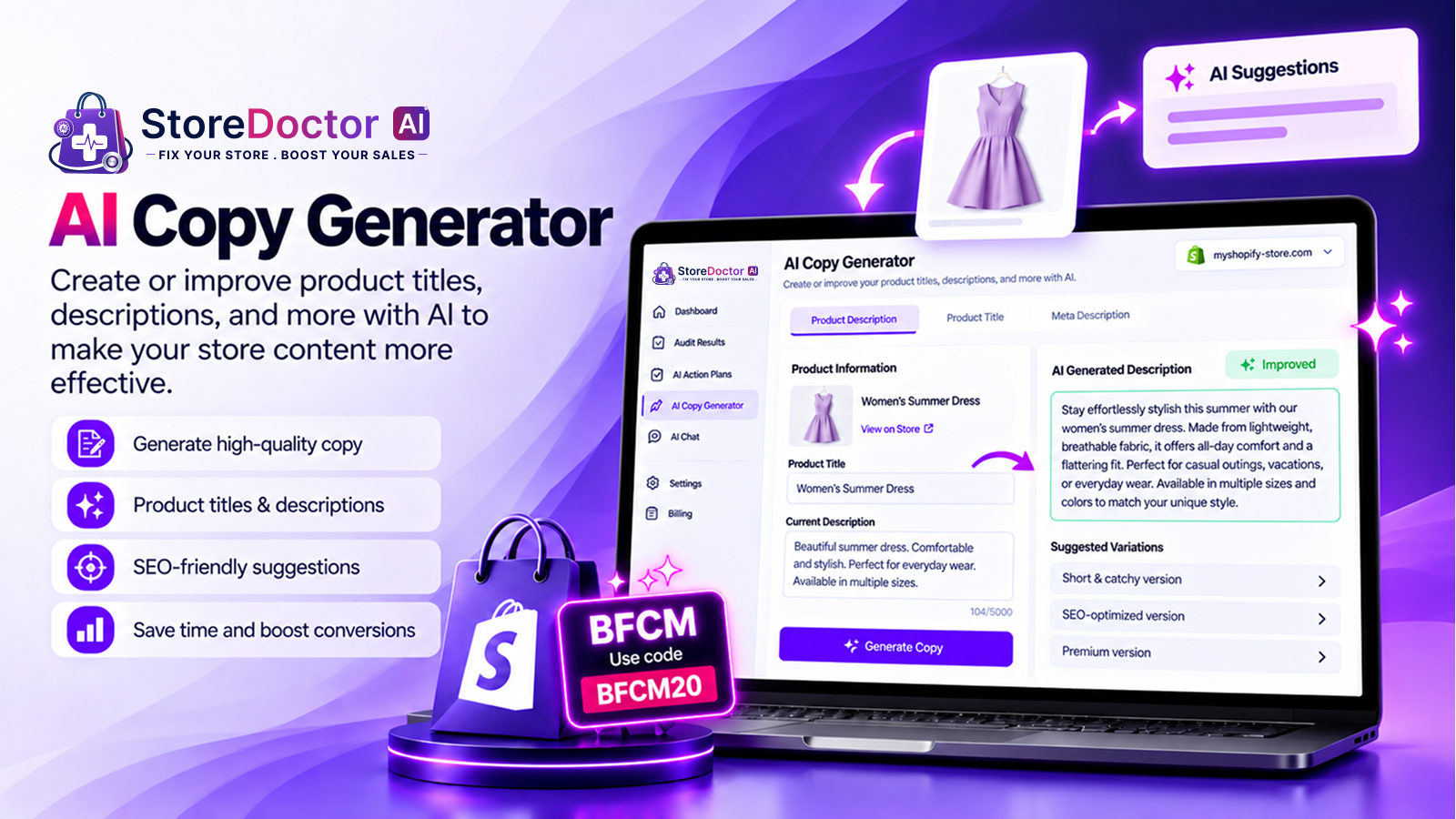
- AI Copy Generator for draft product descriptions, banners, FAQs, and other supported content
- Banner copy generation for seasonal headlines and promotional messages
- FAQ generation for common product and campaign questions
- Urgency copy generation for genuine, time-limited offers
- A guided optimization workflow to help prioritize improvements
How to use StoreDoctor AI for Halloween:
- Audit important landing pages before launching your campaign
- Review missing product descriptions, images, and SEO information
- Use AI-generated copy as a starting point for seasonal product pages
- Draft FAQs about product details, shipping, and returns
- Generate headline ideas for your Halloween banners
- Verify recommendations and generated content before publishing
For example, a banner might say: “Get Spooky-Season Ready with Our Halloween Collection!” Review AI-generated content for accuracy. Audits and recommendations can help identify potential issues, but they don’t guarantee higher rankings or sales.
7) PehnAI: AI Virtual Try-On for Fashion and Costumes

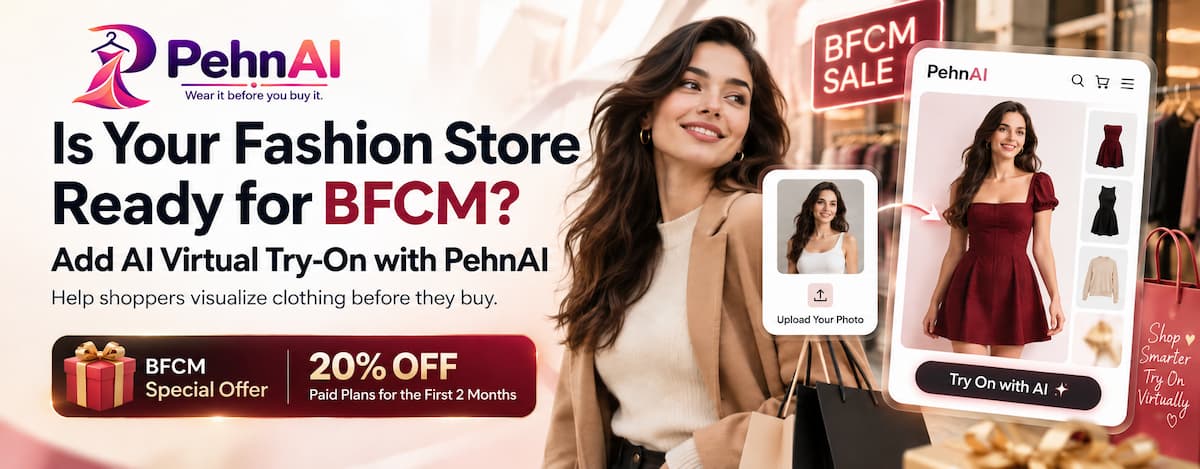
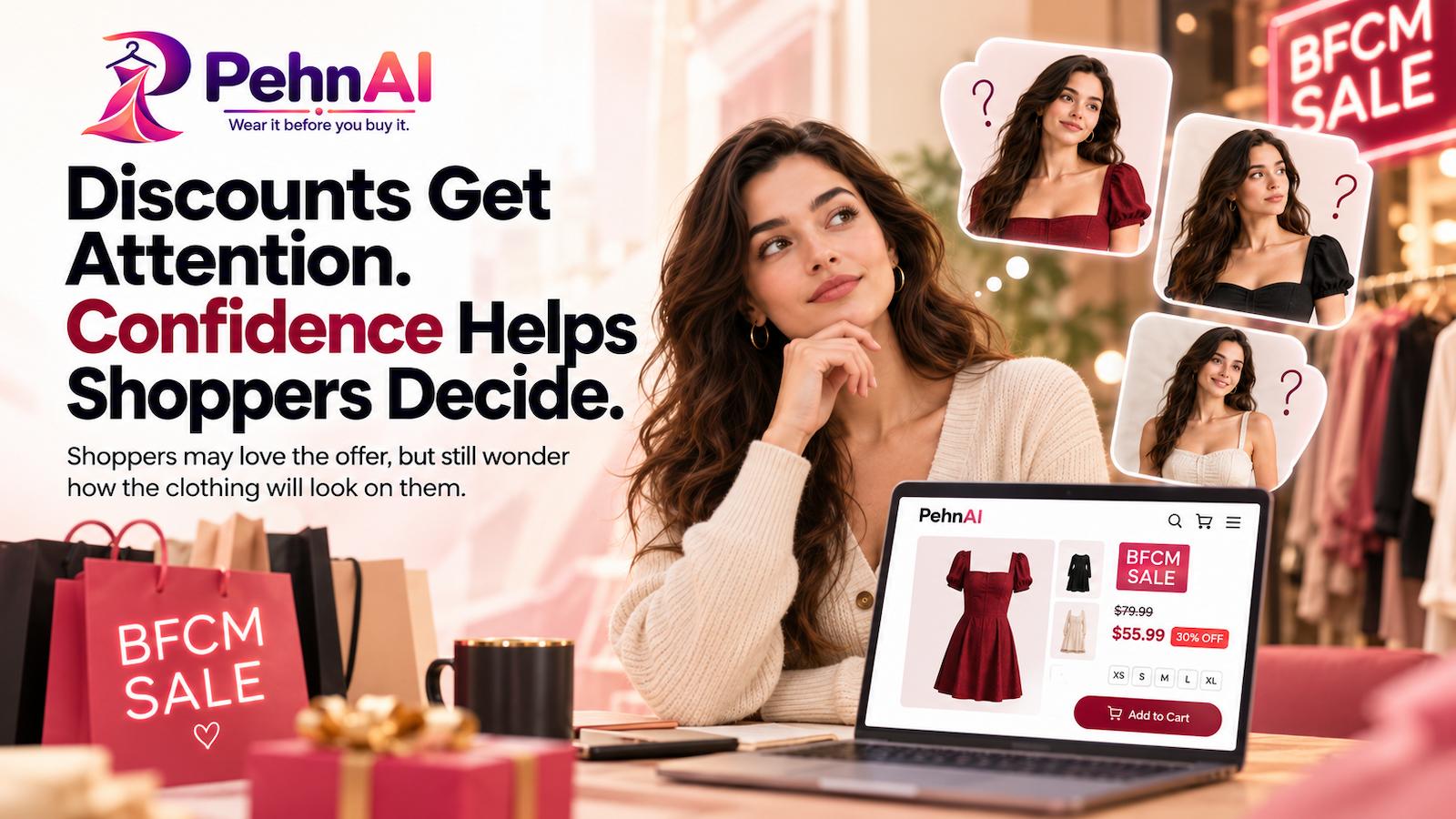
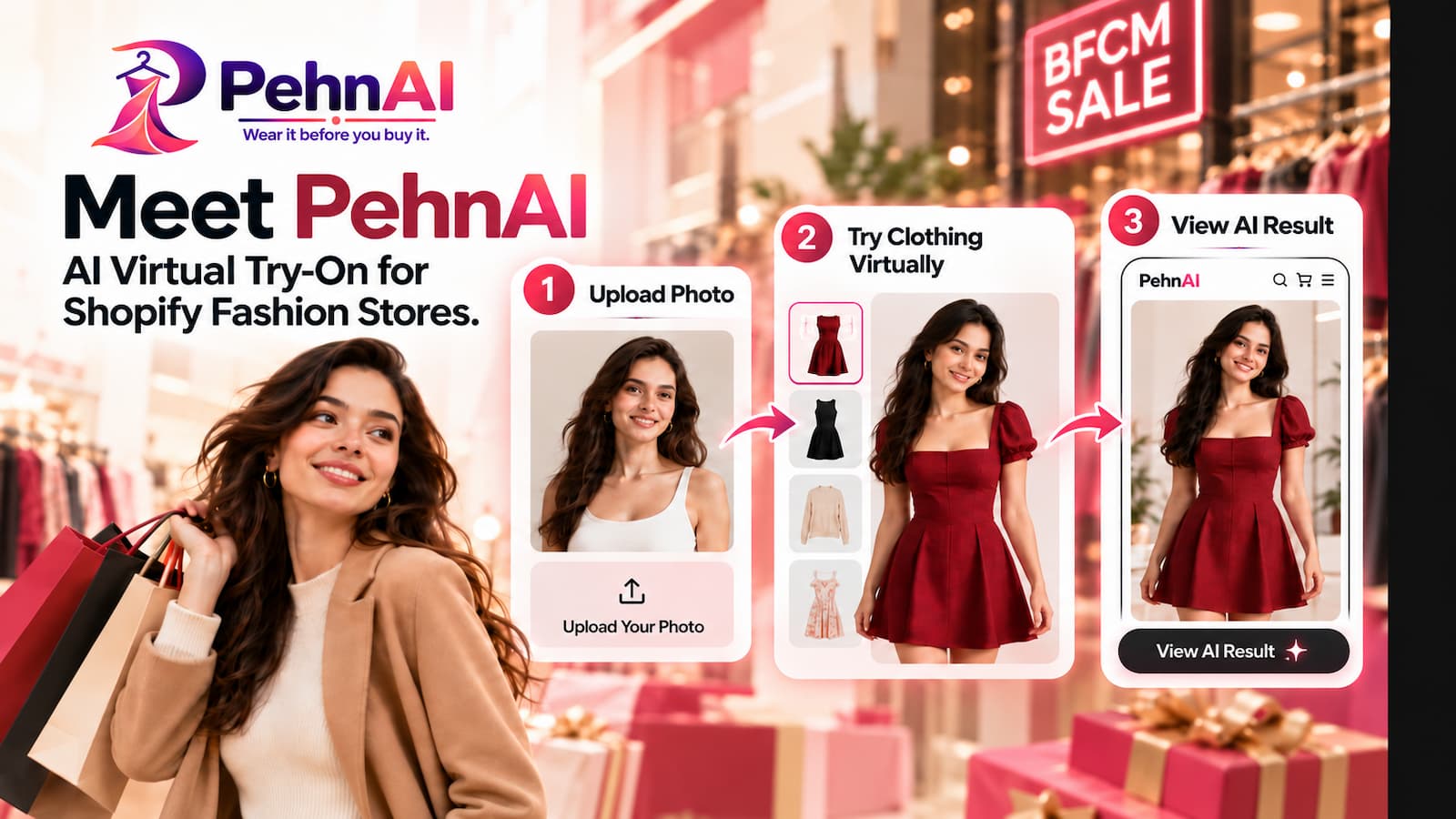
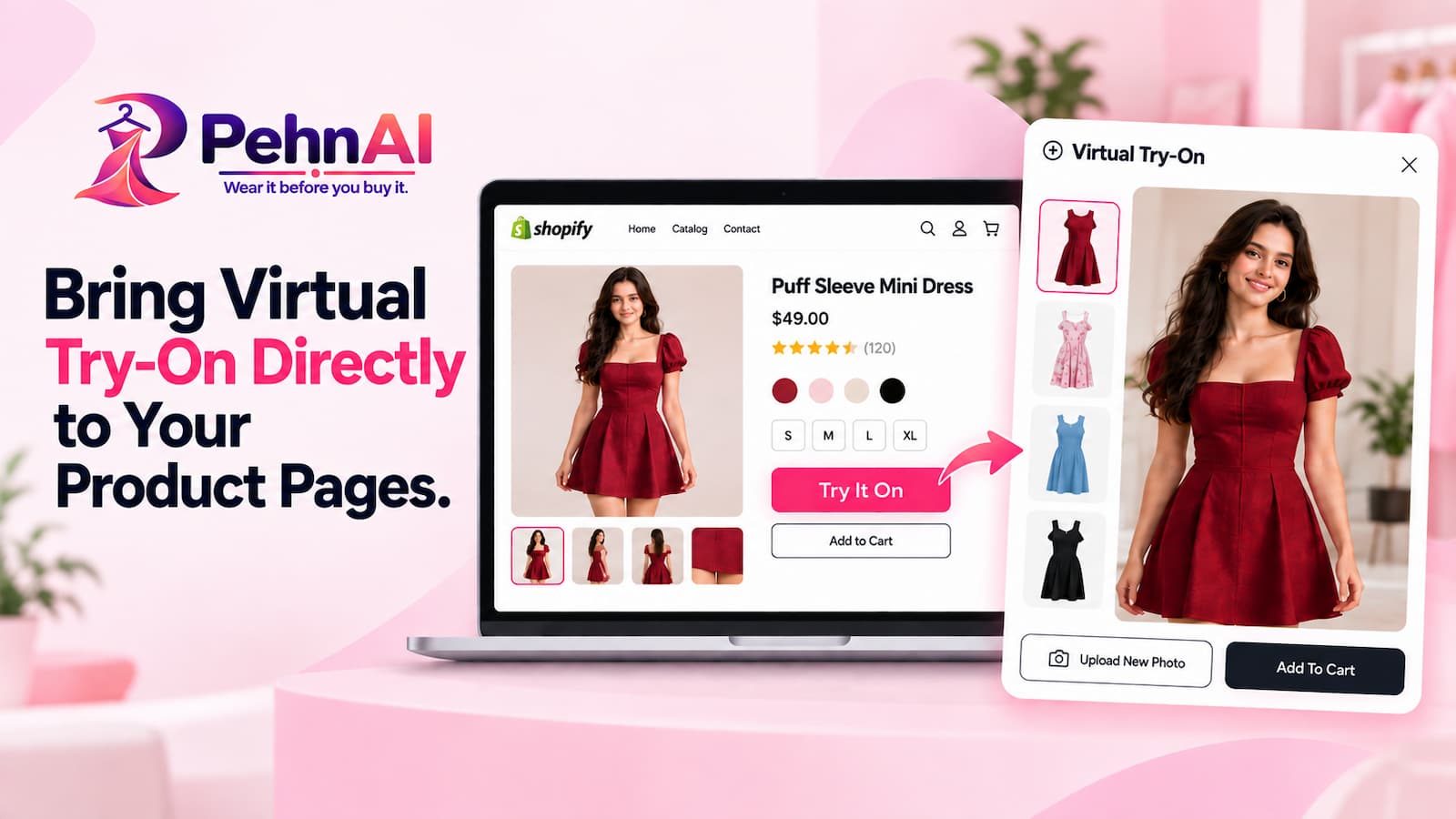
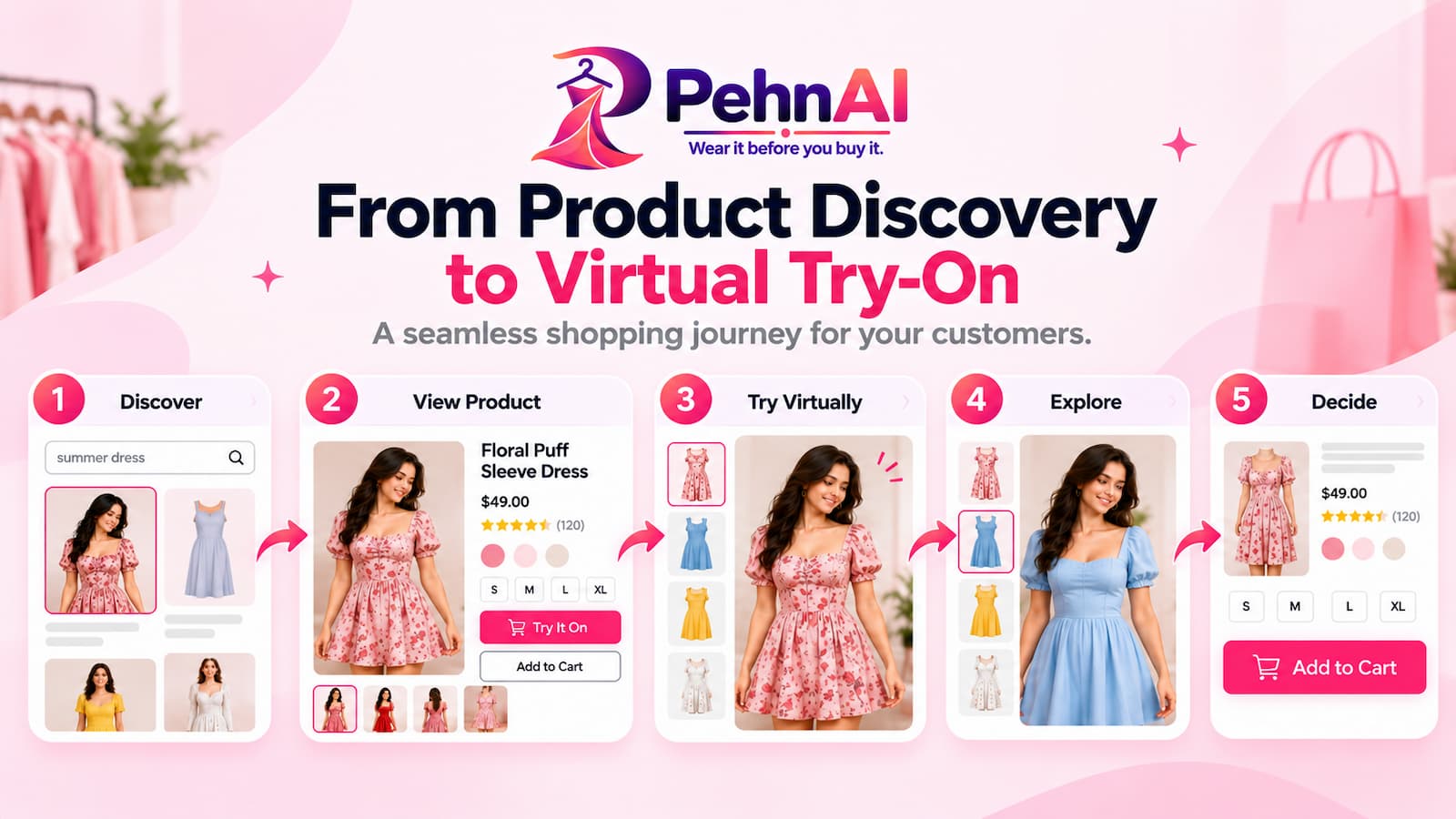
Fashion stores can use Halloween to feature costumes, themed clothing, and seasonal outfits. Shoppers may want to preview how an item could look before deciding whether to buy it. PehnAI adds an AI virtual try-on experience to supported product pages, allowing shoppers to upload a photo and preview clothing on their own image.
Features include:
- AI Virtual Try-On for supported clothing products
- Virtual Fitting Room for an interactive product preview
- Customer Photo Upload for the supported try-on experience
- Customizable Try-On Button using available settings
- Product-Level Try-On Controls for relevant products
- Product Page Integration to place the option where shoppers consider a purchase
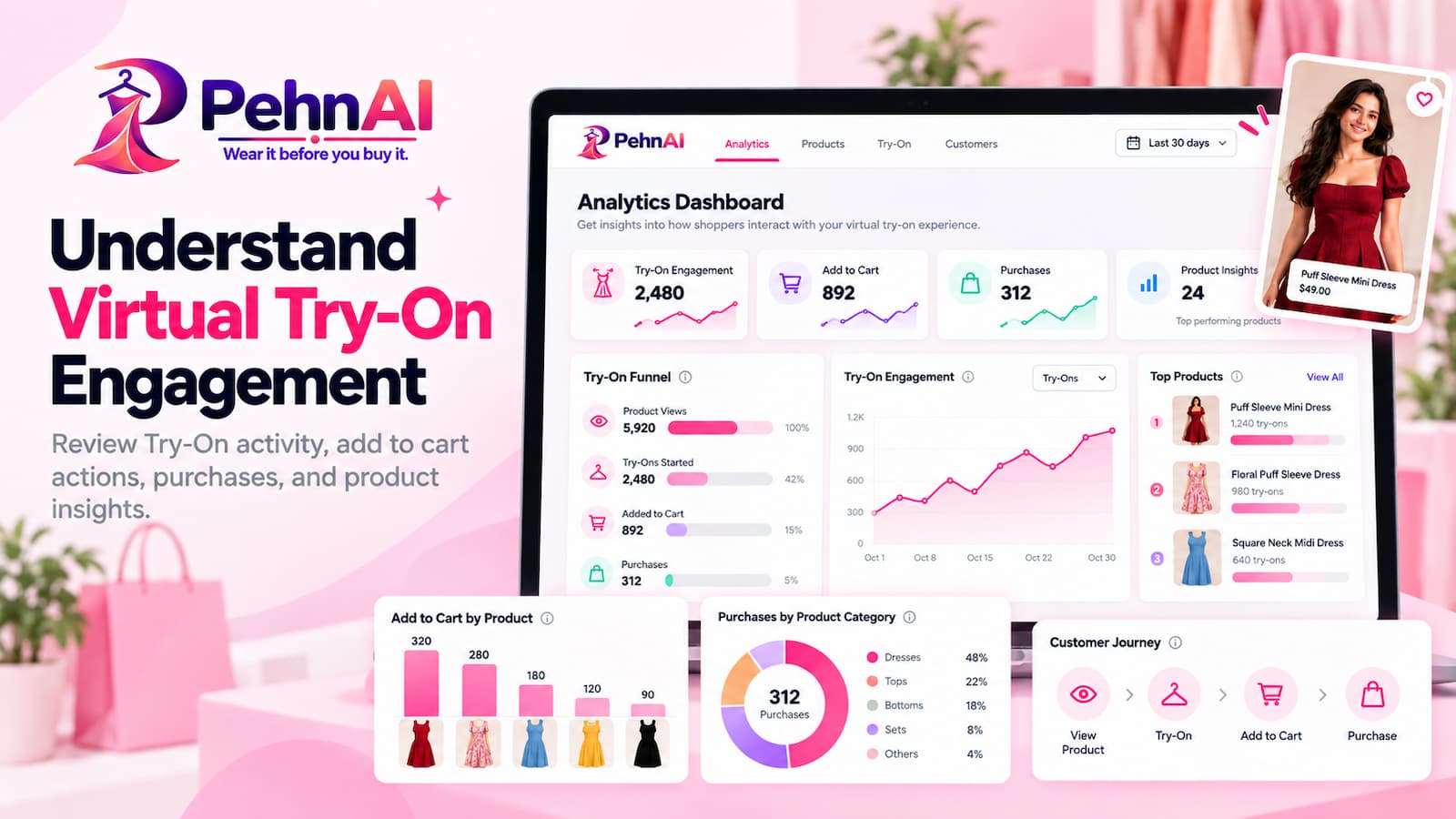
- Try-On Analytics for available activity, engagement, and purchase-attribution information
- Mobile and desktop support for the supported try-on experience
- Customer photo privacy controls through available settings
How to use PehnAI for Halloween:
- Identify supported clothing products that suit the season
- Enable the try-on experience for relevant costumes and outfits
- Customize the try-on button to fit your storefront
- Place the option where shoppers can easily find it
- Review available analytics to understand engagement
Make it clear that an AI preview is a visualization. It doesn’t guarantee an exact fit, fabric appearance, or final product result.
8) FeedoMix: Product Feed Management
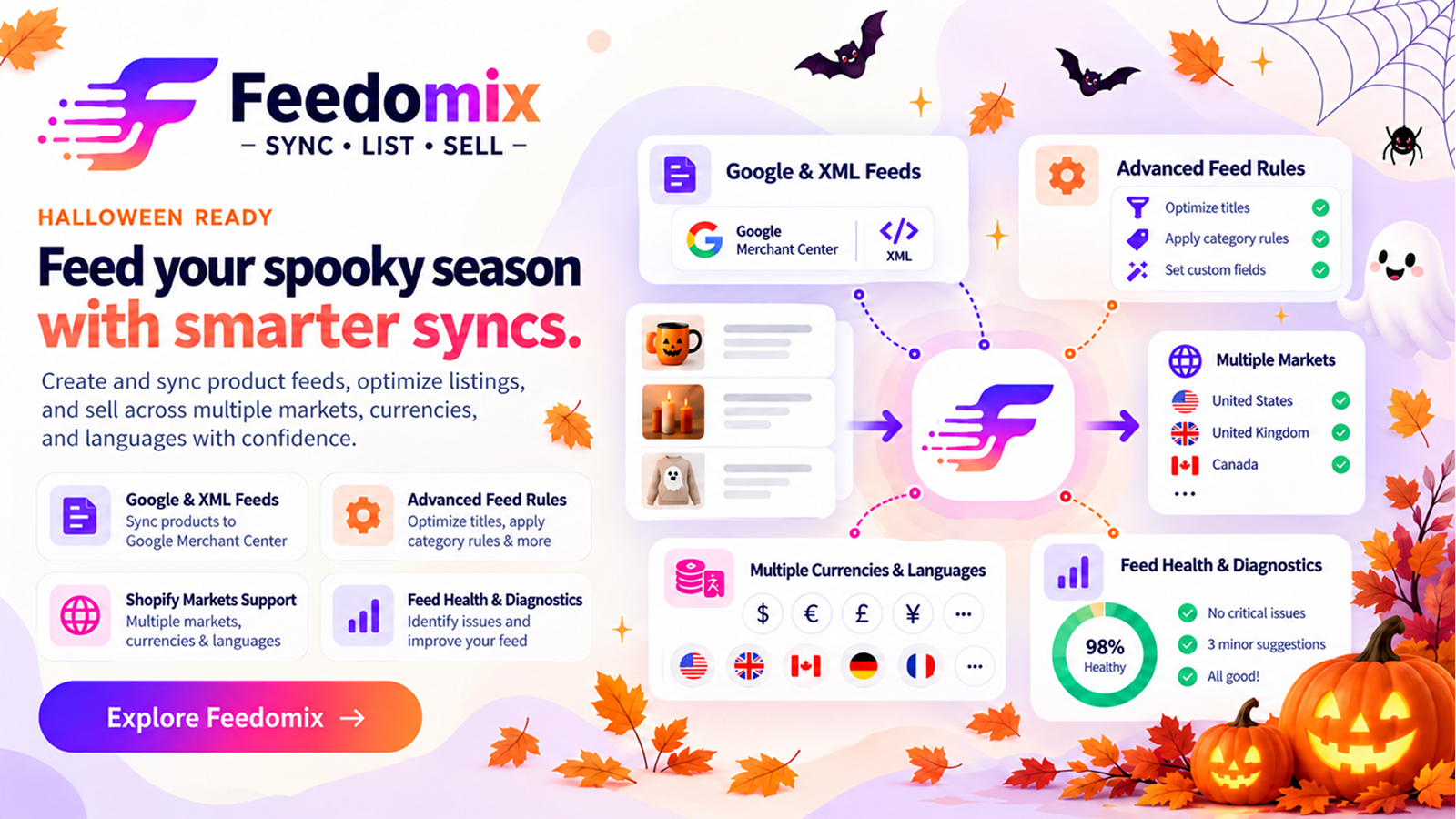
Shoppers may discover Halloween products through Google Shopping and other supported shopping channels before visiting your store. FeedoMix helps merchants manage product feeds and review issues for supported channels, including Google Merchant Center.
Features include:
- Google Merchant Center connection for supported feed management
- Feed Projects to organize feed configurations for relevant channels and markets
- Market Settings to configure the intended market for a feed project
- Product Attribute Configuration for attributes required by the connected feed
- Feed Scheduling for supported feed update schedules
- XML Feed Support to generate or manage supported XML feed outputs
- API Feed Options for available API feed workflows when the required connection and configuration are in place
- Feed Diagnostics to review feed status and relevant product information
- Product Issue Monitoring for reported feed problems
- Feed Rules for supported product-data rules
- XML Feed URL access for supported integrations
- Synchronization Information, including available feed status and metrics
- Product Data Checks for titles, descriptions, images, prices, availability, and relevant identifiers
How to use FeedoMix for Halloween:
- Organize the products you plan to promote in the relevant feed project
- Review product titles and descriptions for accuracy
- Check images, prices, availability, and variant information
- Review identifiers such as GTIN or MPN where applicable
- Check feed diagnostics and address reported issues
- Verify the requirements of each connected shopping channel
- Review feed synchronization before relying on it for your campaign
A clear title such as “Kids’ Halloween Witch Costume” gives shoppers more information than a vague title such as “Special Outfit.” Keep product information accurate and consistent with your Shopify store. Feed management doesn’t guarantee product approval or placement in shopping results.
9) Halloween Marketing Strategies for Shopify Stores
The right apps can support your campaign, but planning, relevant content, clear offers, and regular performance checks matter too.
Create a dedicated Halloween landing page: Bring your seasonal products and promotions together on one page. Include a Halloween banner, a short introduction, selected products, and links to relevant collections. If you offer discounts, explain the terms and dates. Keep the layout simple so shoppers can quickly find what they need.
Design clear Halloween banners: Halloween-inspired colors such as orange, black, purple, and dark green can set the mood, while good contrast keeps text readable. Include a clear headline, relevant image, main offer, call to action, and campaign dates or conditions when needed.
Offer relevant discounts and bundles: Consider discounts on selected products, bundles of complementary items, featured seasonal products, limited-time promotions with a genuine end date, or interactive promotions where they suit your campaign. Make sure your pricing, discount rules, and messages are consistent.
Improve product pages: Review product names and descriptions, image quality, prices and availability, size and material details, shipping and return information, purchasing actions, and product reviews. For Halloween products, include useful details such as dimensions, materials, included accessories, or compatibility when applicable.
Promote your campaign across channels: Depending on your setup, use email campaigns, social posts, storefront notifications, back-in-stock alerts, shopping feeds, blog posts, and virtual try-on for supported clothing products. Keep your messaging consistent so shoppers recognize the campaign.
Prepare your store for more traffic: Before launching a major promotion, review page performance, navigation, mobile layouts, product links, and checkout behavior. Confirm that important pages work correctly and product availability is accurate. If you change your theme or install promotional elements, check the affected pages again.
Measure campaign performance: Review store traffic, conversion rate, average order value, sales by product, traffic sources, campaign engagement, notification clicks, virtual try-on activity, and product feed issues where available. Compare results with your usual store performance and use what you learn to improve future campaigns.
10) Common Halloween Marketing Mistakes to Avoid
- Overloading the storefront: Too many banners, popups, and messages can distract shoppers. Prioritize the information they need.
- Using unclear promotional terms: Make sure shoppers understand the discount, eligible products, and campaign dates.
- Ignoring mobile users: Check text, images, navigation, and purchasing actions on smaller screens.
- Neglecting product data: Incorrect prices, unavailable products, incomplete descriptions, or feed errors can undermine a campaign.
- Launching without testing: Review your store and promotional settings before announcing your campaign.
- Using misleading urgency: Countdown timers and low-stock messages should reflect genuine conditions.
- Ignoring customer consent: Follow applicable requirements when collecting contact information or sending marketing messages.
- Failing to measure results: Track useful metrics to learn which products, messages, and channels performed best.
Make This Halloween a Treat for Your Shopify Store
Halloween gives Shopify merchants a chance to showcase seasonal products and create a more engaging shopping experience. ToastiBar can help you display notifications, social proof, and countdown timers. Notim supports back-in-stock alerts and inventory notifications. Buy Me offers features such as sticky add-to-cart bars, quick-buy buttons, and cart tools.
Promote Me bundles storefront tools such as currency conversion, interactive promotions, and shipping bars. StoreDoctor AI supports store audits, SEO reviews, and AI-assisted content. PehnAI offers virtual try-on for supported fashion products, while FeedoMix helps merchants manage product feeds for supported shopping channels.
Choose tools that fit your store and use them as part of a coordinated campaign. Review each app’s available features and plan requirements before configuring your promotions. Prepare your store, make seasonal products easy to discover, and create an experience shoppers will remember.
Frequently Asked Questions
1. How can I increase Halloween sales on my Shopify store?
Create a seasonal collection, offer relevant discounts, design clear promotional banners, and improve product descriptions. Apps can support customer engagement, purchasing convenience, store optimization, and product feed management. Track your results to learn which strategies work best for your store.
2. When should I start preparing my Shopify store for Halloween?
Start several weeks before Halloween, or earlier if you need to order inventory or allow extra shipping time. Plan promotions, create banners, update product listings, and test your storefront before launch.
3. What are some Halloween marketing ideas for Shopify stores?
Ideas include themed product collections, seasonal discounts, product bundles, Halloween email campaigns, social media promotions, and festive storefront banners. You might also use relevant notifications, virtual try-on, and optimized product feeds. Choose ideas that match your products, audience, and goals.
4. Which Shopify apps can help with Halloween marketing?
ToastiBar supports notifications, social proof, AI tools, and countdown timers. Notim helps manage back-in-stock alerts and inventory notifications. Buy Me offers purchasing and cart features, while Promote Me bundles storefront tools. StoreDoctor AI supports store audits, SEO, and AI-assisted content. PehnAI offers virtual try-on for supported fashion products, and FeedoMix helps manage product feeds for supported shopping channels.
5. How can I promote Halloween discounts on my Shopify store?
Use storefront banners, relevant notifications, email marketing, social media, and a dedicated promotional page. Clearly explain the discount, eligibility requirements, and end date.
6. How can I make my Shopify store look ready for Halloween?
Add Halloween-themed banners, seasonal product images, festive colors, and a dedicated collection. Keep the design consistent while making sure navigation, product details, and checkout remain easy to use on desktop and mobile.
7. How can I improve Halloween product visibility on Google Shopping?
Check that product titles, descriptions, images, prices, availability, and applicable identifiers are accurate. Review Google Merchant Center requirements and resolve reported feed issues. FeedoMix can help manage feeds for supported shopping channels, but approval and placement are determined by the relevant channel.
8. How can I improve the shopping experience during Halloween sales?
Organize seasonal collections, provide accurate product details, make offers clear, and keep navigation simple. Test your store on desktop and mobile, review page performance, and make sure the purchasing journey works. You can also use relevant buying features, stock notifications, or virtual try-on options where supported.
9. Should I offer limited-time Halloween discounts?
A limited-time offer can give shoppers a clear promotional window. Make sure it fits your margins and goals, and clearly communicate its dates, eligible products, and terms. Avoid artificial urgency or misleading discount claims.
10. How can I measure the success of my Halloween campaign?
Track website traffic, conversion rate, sales, average order value, product performance, and marketing channel results. Where available, review notification engagement, virtual try-on activity, and product feed diagnostics. Compare the results with your usual store performance.
11. Can small Shopify stores benefit from Halloween marketing?
Yes. Focus on a few relevant products, simple seasonal visuals, carefully planned promotions, and suitable marketing channels. Start with activities that fit your budget and resources, then expand based on the results.
12. What should I do after my Halloween campaign ends?
Review campaign results, identify your best-performing products, and evaluate customer engagement. Remove expired promotions, update seasonal banners, and return your storefront to its regular design where appropriate. Review stock levels and use what you learned to plan future campaigns, such as Black Friday and Cyber Monday.